

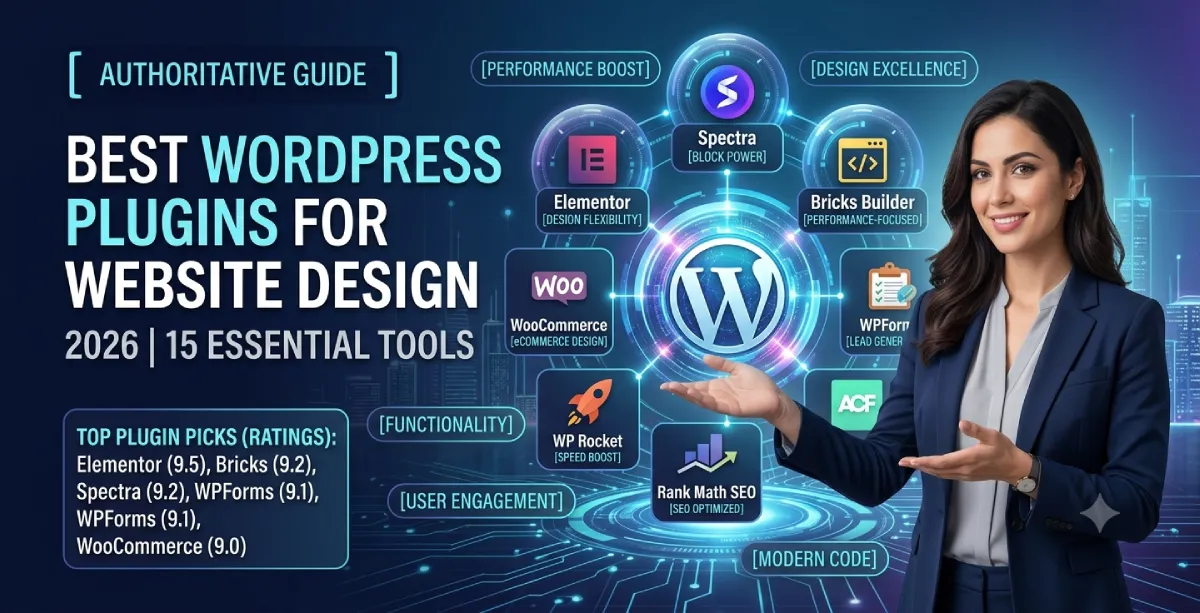
WordPress powers millions of websites worldwide because it makes it easy to build, customize, and manage a professional website without creating everything from scratch. However, the WordPress core provides only the foundation. The right WordPress plugins can extend that foundation with powerful tools for website design, page building, SEO, performance, forms, eCommerce, image optimization, and user experience.
Choosing the best WordPress plugins for website design can be challenging. There are thousands of plugins available, and installing too many can add unnecessary features, duplicate functionality, create compatibility issues, or affect website performance. The goal is not to install the most plugins—it is to choose the right WordPress design plugins for your specific website.
We have selected the best plugins for WordPress website design in 2026, including visual page builders, Gutenberg extensions, form builders, custom-content tools, eCommerce plugins, image optimization tools, SEO plugins, and performance solutions. We evaluate each plugin based on its features, ease of use, flexibility, performance, integrations, and practical value for WordPress website owners.
Whether you are building a business website, blog, portfolio, landing page, online store, agency website, or personal website, you will find suitable WordPress plugins here to create a website that looks professional, works smoothly, loads quickly, and provides a better experience for visitors.
Best WordPress Plugins for Website Design in 2026
| Plugin | Best For | Ease of Use | Our Rating |
|---|---|---|---|
| Elementor | Complete visual website design | Easy | 9.5/10 |
| Spectra | Gutenberg-based design | Easy | 9.2/10 |
| Bricks Builder | Performance-focused websites | Medium | 9.2/10 |
| WPForms | Contact and lead forms | Easy | 9.1/10 |
| Advanced Custom Fields (ACF) | Custom websites and dynamic content | Medium/Advanced | 9.0/10 |
| WooCommerce | eCommerce website design | Medium | 9.0/10 |
| SeedProd | Landing pages and coming-soon pages | Easy | 8.9/10 |
| Smush | Image optimization | Easy | 8.8/10 |
| WP Rocket | Website performance | Easy/Medium | 8.8/10 |
| Rank Math SEO | SEO-friendly website structure | Easy | 8.8/10 |
| Envira Gallery | Image galleries and portfolios | Easy | 8.7/10 |
| MonsterInsights | Analytics and design decisions | Easy | 8.6/10 |
| Divi Builder | Visual design and agencies | Easy/Medium | 8.6/10 |
| Beaver Builder | Stable professional websites | Easy | 8.5/10 |
| Site Kit by Google | Website performance and search data | Easy | 8.4/10 |
Ratings are Webseotrends editorial scores based on design usefulness, flexibility, ease of use, functionality, and practical website-building value. They are not third-party review scores.
What Makes a Good WordPress Design Plugin?
Before installing a plugin, it is important to understand what actually makes a plugin useful for website design.
A good WordPress design plugin should do more than add attractive elements.
Look for plugins that provide:
- Responsive controls for mobile, tablet, and desktop.
- Flexible layout and typography options.
- Reusable templates and design components.
- Compatibility with your WordPress theme.
- Good integration with other essential plugins.
- Reasonable performance and asset loading.
- Regular updates and WordPress compatibility.
- Accessibility-conscious design options.
- Support for SEO-friendly website structures.
- Easy maintenance after the website goes live.
The best WP plugin is not necessarily the one with the largest number of features. A lightweight plugin that solves one problem well can be much better than an all-in-one plugin that adds unnecessary code.
1. Elementor – Best WordPress Website Design Plugin Overall
Best for: Business websites, agencies, landing pages, freelancers, and beginners
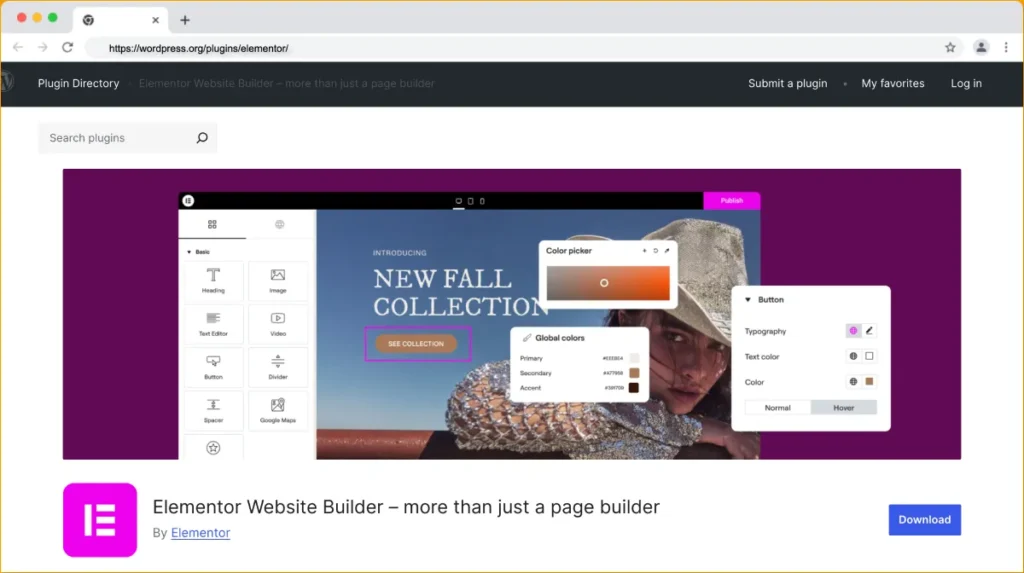
Elementor remains one of the most popular choices for visually designing WordPress websites. It provides a drag-and-drop editing experience that allows you to create layouts without manually writing HTML or CSS.
Instead of designing a page in the WordPress editor and repeatedly switching between the editor and front end, Elementor lets you work visually and see the design as you build it.
Elementor currently powers more than 22 million websites, according to its G2 profile, and G2 lists the platform at 4.4/5 based on hundreds of reviews.
Key Features
- Drag-and-drop visual editor.
- Responsive design controls.
- Website and theme-building capabilities.
- Header and footer customization.
- Templates and reusable design elements.
- WooCommerce design tools.
- Dynamic content support.
- Global fonts and colors.
- AI-powered design features.
- Popup and form-building functionality in its paid ecosystem.
Why We Recommend Elementor
Elementor is particularly useful when you need to build a professional website quickly without giving every design change to a developer.
However, flexibility needs to be balanced with performance. Adding excessive widgets, animations, third-party addons, and unnecessary effects can increase page complexity. G2 reviews also mention performance concerns when too many elements are used.
Our rating: 9.5/10
Best for: Most business websites and professional WordPress designers.
2. Spectra – Best Gutenberg Design Plugin
Best for: Users who want a native WordPress block-based workflow
Not everyone needs a traditional page builder.
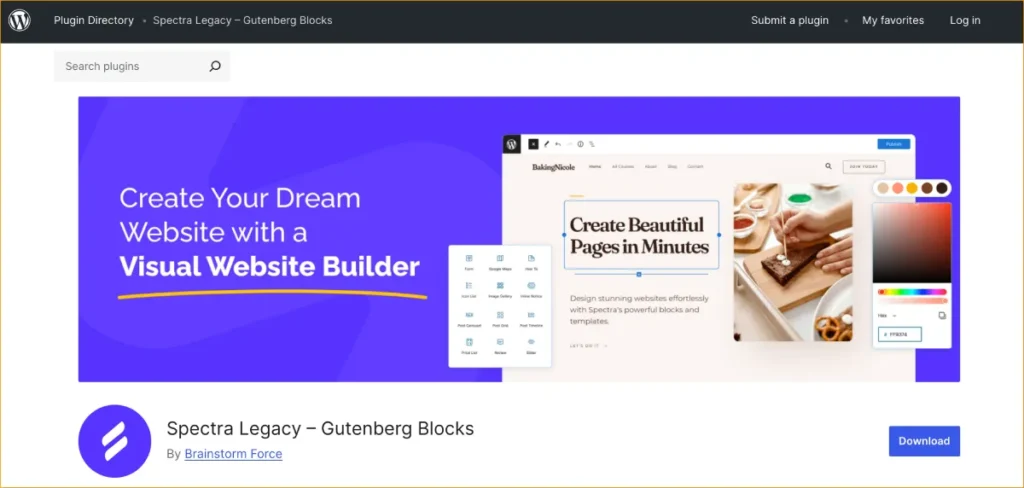
Spectra extends the WordPress block editor with additional blocks and design controls, making it possible to create more advanced layouts while staying closer to the native WordPress editing experience.
This approach can be attractive for website owners who want more design flexibility without building their entire website around a traditional visual builder.
Key Features
- Additional Gutenberg blocks.
- Responsive design controls.
- Advanced typography settings.
- Containers and layout controls.
- Buttons, galleries, forms, and content blocks.
- Pre-designed patterns and templates.
- WooCommerce-related design options.
Why We Recommend Spectra
If you prefer Gutenberg but find the default block editor too limited for complex designs, Spectra is worth considering.
It is also a good choice when maintaining a relatively lightweight WordPress setup is more important than having hundreds of visual widgets.
Our rating: 9.2/10
Best for: Bloggers, business owners, and developers who prefer the WordPress block editor.
3. Bricks Builder – Best for Performance-Focused Designers
Best for: Developers, agencies, and advanced WordPress users
Bricks Builder has become a strong alternative to traditional page builders, particularly among users who prioritize performance, cleaner markup, and greater design control.
Unlike a simple drag-and-drop tool, Bricks provides developers with considerable control over layouts, CSS, responsive behavior, dynamic data, and custom website structures.
Key Features
- Visual website builder.
- Flexbox and CSS Grid controls.
- Dynamic data.
- Theme-building functionality.
- Custom CSS and JavaScript support.
- WooCommerce integration.
- Reusable components.
- Responsive design controls.
Why We Recommend Bricks
Bricks is especially attractive for experienced designers and developers who want visual design capabilities without giving up technical control.
It has a steeper learning curve than some beginner-focused builders, but that additional control can become valuable when building complex websites.
Our rating: 9.2/10
Best for: Performance-conscious developers and professional agencies.
4. WPForms – Best WordPress Form Plugin
Best for: Contact forms, lead generation, surveys, and business websites
A website can look excellent and still fail if visitors cannot easily contact the business.
WPForms makes it possible to create contact forms, lead forms, subscription forms, payment forms, surveys, and other forms using a drag-and-drop interface.
The WordPress.org listing currently reports more than 5 million active installations for WPForms Lite.
Key Features
- Drag-and-drop form builder.
- Pre-built templates.
- Contact forms.
- Newsletter forms.
- Payment forms.
- Conditional logic in paid versions.
- Stripe, PayPal, and other integrations.
- Spam protection.
- Mobile-friendly forms.
Example
A local business website could use WPForms to create a quote-request form with fields for name, email, phone number, service type, and project details.
Our rating: 9.1/10
Best for: Business websites that depend on leads and inquiries.
5. Advanced Custom Fields (ACF) – Best for Custom Website Design
Best for: Developers and advanced WordPress websites
Advanced Custom Fields, commonly known as ACF, is different from a typical visual design plugin.
Instead of simply adding buttons or sliders, ACF allows developers to create structured custom fields that can be displayed throughout a website.
The plugin currently has more than 2 million active installations on WordPress.org.
Key Features
- Custom fields.
- Custom post types and structured content.
- Dynamic content.
- Flexible content layouts.
- Custom taxonomies.
- Developer-friendly APIs.
- Integration with custom WordPress templates.
Example
Suppose you are building a real estate website.
Instead of putting property information into one large text field, you can create separate fields for:
- Property price.
- Bedrooms.
- Bathrooms.
- Location.
- Property type.
- Square footage.
- Gallery.
- Features.
That information can then be displayed automatically in a custom-designed property template.
Our rating: 9.0/10
Best for: Custom WordPress websites and dynamic content.
6. WooCommerce – Best for WordPress eCommerce Design
Best for: Online stores and product-based businesses
If you are designing an online store with WordPress, WooCommerce is one of the most important plugins to consider.
WooCommerce adds the core eCommerce functionality needed to sell products and services while allowing developers to customize product pages, categories, carts, checkout pages, and other parts of the shopping experience.
Key Features
- Product management.
- Customizable product pages.
- Shopping cart.
- Checkout.
- Payment integrations.
- Shipping options.
- Coupons and discounts.
- Inventory management.
- Large extension ecosystem.
Design Consideration
Installing WooCommerce is only the beginning.
Your store also needs:
- Clear product navigation.
- Mobile-friendly product pages.
- Fast image loading.
- Simple checkout.
- Visible calls to action.
- Trust signals.
- Search and filtering.
WooCommerce’s own performance documentation recommends attention to caching, image optimization, code optimization, CDNs, database maintenance, and plugin performance.
Our rating: 9.0/10
Best for: Businesses that want to build an online store with WordPress.
7. SeedProd – Best for Landing Page Design
Best for: Landing pages, sales pages, coming-soon pages, and maintenance pages
SeedProd is designed around creating conversion-focused pages without requiring a complete website redesign.
This makes it useful for marketers who need to launch a landing page quickly.
Key Features
- Drag-and-drop page builder.
- Landing page templates.
- Coming-soon pages.
- Maintenance mode.
- Sales pages.
- Lead-generation elements.
- Responsive controls.
- Email marketing integrations.
Example
A SaaS company launching a new product could create a dedicated landing page with:
- Product headline.
- Product benefits.
- Screenshots.
- Customer testimonials.
- Pricing.
- FAQ.
- Signup form.
Our rating: 8.9/10
Best for: Marketing teams and businesses focused on conversions.
8. Smush – Best for Image Optimization
Best for: Image-heavy websites, portfolios, blogs, and online stores
Large images can make an attractive website frustratingly slow.
Smush helps reduce image file sizes and provides tools for optimizing images without requiring users to manually process every image before uploading it.
Key Features
- Image compression.
- Bulk optimization.
- Lazy loading.
- Image resizing.
- WebP support.
- Automated optimization options.
Image optimization is particularly important for websites that rely heavily on photography, product images, portfolios, or visual content.
WooCommerce’s official performance guidance also identifies image optimization as an important part of improving store performance.
Our rating: 8.8/10
Best for: Image-heavy WordPress websites.
9. WP Rocket – Best for WordPress Performance
Best for: Speed optimization and performance
A beautiful website is not a good website if it takes too long to load.
WP Rocket is a performance optimization plugin designed to improve WordPress loading times through caching and other optimization features.
Depending on your hosting environment and configuration, it can help with:
- Page caching.
- Browser caching.
- CSS optimization.
- JavaScript optimization.
- Lazy loading.
- Database optimization.
- Cache preloading.
- CDN integration.
However, caching plugins should be configured carefully. WooCommerce specifically warns that incorrectly configured caching can cause pages to load incorrectly, particularly when dynamic pages such as cart and checkout are involved.
Our rating: 8.8/10
Best for: Business websites that need additional performance optimization.
10. Rank Math SEO – Best for SEO-Friendly Website Design
Best for: SEO-focused websites and content publishers
Rank Math is not a visual design plugin, but it belongs in a modern WordPress design stack because website structure and search visibility are closely connected.
A well-designed website should also have:
- Proper heading structure.
- Search-friendly URLs.
- Internal links.
- XML sitemaps.
- Schema markup.
- Optimized metadata.
- Search-friendly content.
Rank Math can help manage many of these SEO elements directly inside WordPress.
For websites built to attract organic traffic, design should never be separated completely from SEO.
Our rating: 8.8/10
Best for: Business websites, blogs, publishers, and SEO-focused websites.
11. Envira Gallery – Best for Image Galleries
Best for: Photographers, designers, travel websites, portfolios, and visual businesses
WordPress can display images without an additional gallery plugin, but specialized gallery tools can provide much greater control over presentation.
Envira Gallery is designed for creating responsive image galleries and portfolios.
Key Features
- Drag-and-drop gallery creation.
- Responsive galleries.
- Gallery templates.
- Lightbox functionality.
- Image protection options.
- Social sharing.
- WooCommerce integration.
Example
A photographer can organize images into separate galleries for weddings, portraits, commercial projects, and events while maintaining a consistent visual style.
Our rating: 8.7/10
Best for: Photography and portfolio websites.
12. MonsterInsights – Best for Data-Driven Design Decisions
Best for: Businesses that want to understand visitor behavior
Design should not be based entirely on personal preference.
Analytics can tell you which pages visitors use, where traffic comes from, and which content generates engagement.
MonsterInsights makes Google Analytics data easier to access from inside WordPress.
Key Features
- Google Analytics integration.
- Traffic reports.
- Page-level analytics.
- Ecommerce tracking.
- Conversion tracking.
- Audience insights.
- Event tracking.
Example
Suppose your homepage receives thousands of visits but your pricing page receives very few clicks.
That could indicate a navigation, CTA, or page-layout problem.
Analytics can help you identify these issues and make design decisions based on actual visitor behavior.
Our rating: 8.6/10
Best for: Businesses optimizing websites for conversions.
13. Divi Builder – Best for Visual Website Design
Best for: Freelancers, agencies, and users who prefer an all-in-one visual design ecosystem
Divi is a long-standing WordPress design platform that combines a visual builder with a broader theme and design ecosystem.
Its visual editing tools allow users to create pages without directly editing code.
The platform has also undergone significant architectural changes with Divi 5, making its current positioning different from older versions of the product.
Key Features
- Visual drag-and-drop editing.
- Global design settings.
- Responsive controls.
- Templates.
- Animation effects.
- WooCommerce design features.
- AI-powered tools.
Our rating: 8.6/10
Best for: Designers who want an established visual design ecosystem.
14. Beaver Builder – Best for Stable Professional Websites
Best for: Agencies, freelancers, and developers
Beaver Builder takes a more conservative approach to WordPress website building.
It provides a visual editing environment while focusing heavily on stability and maintainability.
It may not offer the same visual feature density as some competitors, but that can actually be an advantage for agencies that want a straightforward system that clients can understand.
Key Features
- Front-end visual editing.
- Responsive layouts.
- Reusable templates.
- Developer-friendly tools.
- Theme-building options through its ecosystem.
- WooCommerce support.
Our rating: 8.5/10
Best for: Agencies and developers who prioritize stability.
15. Site Kit by Google – Best for Connecting Website Data
Best for: Website owners who want Google data inside WordPress
Site Kit by Google connects WordPress with Google’s major website tools, helping site owners understand how their website is performing.
It can bring information from services such as:
- Google Search Console.
- Google Analytics.
- PageSpeed Insights.
- AdSense.
This information can be valuable when deciding which parts of a website need improvement.
For example, if Search Console shows that a page receives impressions but very few clicks, you might improve its title and content. If PageSpeed Insights highlights performance issues, you can investigate the page’s images, scripts, caching, or layout.
Our rating: 8.4/10
Best for: Beginners and businesses that want centralized Google performance data.
WordPress Design Plugins Compared
Choosing between these plugins becomes easier when you look at what each one is actually designed to solve.
| Plugin | Design | Performance Focus | SEO | Forms | Dynamic Content | eCommerce |
|---|---|---|---|---|---|---|
| Elementor | Excellent | Good | Good | Yes | Excellent | Excellent |
| Spectra | Excellent | Excellent | Good | Basic | Good | Good |
| Bricks | Excellent | Excellent | Good | Basic | Excellent | Excellent |
| WPForms | Good | Good | Basic | Excellent | Good | Good |
| ACF | Good | Excellent | Good | No | Excellent | Good |
| WooCommerce | Excellent | Good | Good | No | Excellent | Excellent |
| SeedProd | Excellent | Good | Good | Excellent | Basic | Good |
| Smush | Basic | Excellent | Good | No | No | Excellent |
| WP Rocket | None | Excellent | Indirect | No | No | Excellent |
| Rank Math | Basic | Good | Excellent | No | Good | Excellent |
| Envira Gallery | Excellent | Good | Good | No | Basic | Good |
| MonsterInsights | Basic | Good | Good | No | Good | Excellent |
Which WordPress Design Plugin Should You Choose?
There is no single plugin that is perfect for every website.
Your best choice depends on the type of website you are building.
Best Plugin for Beginners
Elementor is our overall recommendation for beginners who want to visually design WordPress pages without learning code.
Best for Gutenberg Users
Spectra is a strong choice if you prefer the native WordPress block editor and want additional design controls.
Best for Developers
Bricks Builder and ACF are excellent choices for developers who need greater control over layouts and dynamic content.
Best for Business Websites
A combination of Elementor + WPForms + Rank Math + a performance plugin provides a strong foundation for many business websites.
Best for Online Stores
WooCommerce should be the foundation of a WordPress eCommerce website, combined with a suitable design system and performance optimization.
Best for Landing Pages
SeedProd is a good option when the primary goal is creating focused landing pages and marketing campaigns.
Best for Photography Websites
Use Elementor or Gutenberg/Spectra for overall page design and Envira Gallery for specialized image galleries.
Best for Performance-Conscious Websites
Consider Bricks or a Gutenberg-based setup such as Spectra, then keep the number of additional plugins under control.
Do You Need All 15 WordPress Plugins?
No.
This is one of the biggest mistakes beginners make.
You should never install every plugin in a “best plugins” article simply because it appears on the list.
For example, a small business website might only need:
- Elementor or Spectra.
- WPForms.
- Rank Math.
- WP Rocket or an appropriate host-level caching solution.
- Smush or another image optimization solution.
- A security plugin.
- A backup plugin.
You don’t need three page builders.
You don’t need multiple image optimization plugins.
You don’t need multiple SEO plugins.
You don’t need several caching plugins running at the same time.
The goal is not to have the largest plugin collection. The goal is to create the smallest plugin stack that provides everything your website actually needs.
How Many WordPress Plugins Should You Install?
There is no universal maximum number of plugins that every WordPress website should follow.
A website with 30 carefully maintained lightweight plugins can perform better than a website with 10 poorly coded or overlapping plugins.
What matters more is:
- Plugin quality.
- Plugin functionality.
- Hosting environment.
- Database queries.
- JavaScript and CSS loaded on the page.
- Image sizes.
- Caching.
- Plugin compatibility.
- Whether unused plugins are removed.
For example, WooCommerce recommends evaluating plugin performance and choosing a high-performance theme and plugin setup as part of store optimization.
How to Keep WordPress Plugins From Slowing Down Your Website
Installing a design plugin does not automatically make a website slow.
The problem usually comes from how plugins are used.
1. Avoid Duplicate Plugins
Don’t install multiple plugins that perform the same job.
For example, you generally don’t need two SEO plugins or multiple caching systems.
2. Remove Unused Plugins
Deactivating a plugin is not the same as removing it.
If you no longer need a plugin, remove it after making sure its data is no longer required.
3. Optimize Images
Use appropriately sized images and modern formats where supported.
Large hero images and uncompressed portfolio images can create unnecessary page weight.
4. Limit Heavy Animations
Animations can make a website more engaging, but excessive animations can increase JavaScript and rendering work.
Use animation where it supports the user experience rather than simply adding movement to every section.
5. Use a Performance Plugin Carefully
Caching and optimization tools can improve performance, but incorrect configurations can cause problems. WooCommerce specifically recommends checking dynamic pages and caching behavior carefully.
6. Choose a Good Hosting Provider
Even the best WordPress plugins for website design cannot compensate for slow or unreliable hosting. Your hosting provider supplies the server resources that WordPress, your theme, plugins, database, images, and other website assets depend on to load quickly and handle visitors.
When choosing web hosting for WordPress, look beyond the introductory price. Consider server response time, uptime, available CPU and RAM, storage, caching, CDN support, security, backups, scalability, and the location of the data center relative to your visitors.
For example, our latest web hosting testing found meaningful performance differences between hosting providers, even when the websites used similar WordPress setups. Hosting can affect TTFB and overall page-loading performance, while your theme, plugins, images, and code determine how much work the browser has to process.
If your website is built specifically around WordPress, you can also compare providers in our best WordPress hosting services guide, where we evaluate hosting performance, uptime, pricing, scalability, and WordPress-specific features.
What to Look for in WordPress Hosting
A good hosting provider should offer:
- Fast server response times to reduce initial loading delays.
- Reliable uptime so your website remains accessible.
- Enough CPU and RAM for your traffic and WordPress workload.
- Caching support to serve frequently requested pages faster.
- CDN integration for visitors located far from your server.
- Free SSL and security features to protect your website.
- Automatic or reliable backups so you can recover from problems.
- Scalable resources if your traffic grows.
- A suitable server location for your primary audience.
Remember that hosting is only one part of WordPress performance. A fast server can still produce a slow website if you use a heavy theme, oversized images, excessive plugins, poorly optimized code, or too many third-party scripts.
The best approach is therefore to combine quality WordPress hosting with a lightweight theme, optimized images, carefully selected plugins, effective caching, and clean website code.
Best WordPress Plugin Combination for a Business Website
If we were building a standard business website today, we would keep the setup relatively simple.
Our Recommended WordPress Plugins Based on Hands-On Experience
Website builder: Elementor or Spectra
Forms: WPForms
SEO: Rank Math (We use rank Math for our sites)
Performance: WP Rocket or a suitable server-level caching solution
Images: Smush or another image optimization solution
Analytics: Site Kit or MonsterInsights
Security: A reputable security plugin appropriate for the website
Backup: A reliable automated backup solution
This provides the core functionality without turning WordPress into a collection of overlapping plugins.
Best WordPress Plugins We Recommend for eCommerce Websites
For an online store, the priorities change.
A practical stack could include:
- WooCommerce.
- Elementor, Spectra, Bricks, or your preferred WooCommerce-compatible design system.
- WPForms for non-checkout forms.
- Rank Math for SEO.
- Image optimization.
- Caching configured specifically for WooCommerce.
- Security.
- Automated backups.
- Analytics and conversion tracking.
WooCommerce recommends caching, image optimization, code optimization, CDN usage, database maintenance, and careful plugin selection when improving store performance.
WordPress Plugins vs Themes: What’s the Difference?
This is an important distinction that the original list-style approach often overlooks.
A WordPress theme controls the overall visual framework of a website, including things such as:
- Typography.
- Colors.
- Header.
- Footer.
- Blog layouts.
- Page structure.
A plugin adds functionality.
For example:
- Elementor → visual page building.
- WPForms → forms.
- WooCommerce → eCommerce.
- Rank Math → SEO.
- ACF → custom fields.
- Smush → image optimization.
Some products blur the line.
For example, Astra Pro is an extension for the Astra theme rather than a conventional standalone WordPress plugin. It can significantly expand the theme’s design controls, but it should not be treated as an independent page builder in the same way as Elementor or Bricks.
How to Choose the Best WordPress Design Plugin
Before installing a plugin, ask yourself five questions.
1. What problem does it solve?
If you cannot identify a specific problem, you probably don’t need the plugin.
2. Does WordPress already provide this functionality?
The WordPress block editor has become considerably more capable. You may not need a plugin for every simple design element.
3. Does it work with your theme and other plugins?
Compatibility is especially important with page builders, WooCommerce, forms, and custom-field plugins.
4. Will it affect performance?
Check what CSS, JavaScript, fonts, images, and external resources the plugin loads.
5. Is it actively maintained?
Look at recent updates, WordPress compatibility, support activity, reviews, and the plugin’s development history before making it part of a business-critical website.
Final Verdict: The Best WordPress Design Plugins in 2026
The best WordPress plugins for website design depend on what you are trying to build.
For most users, Elementor is our best overall choice because it combines visual editing, responsive controls, templates, integrations, and a large ecosystem.
If you prefer the native WordPress block editor, Spectra is a strong alternative.
For developers who prioritize performance and technical control, Bricks Builder deserves serious consideration.
For functionality beyond page design, WPForms, ACF, WooCommerce, Rank Math, Smush, WP Rocket, Envira Gallery, and MonsterInsights can fill specific roles in a complete WordPress website stack.
The most important lesson is simple: don’t choose plugins based only on how many features they offer.
Choose plugins that solve real problems, work well together, are maintained properly, and support the goals of your website.
A successful WordPress website is not the one with the most plugins. It is the one where the design, performance, SEO, usability, and functionality work together.
Frequently Asked Questions
What is the best WordPress plugin for website design?
Elementor is our best overall choice for WordPress website design because it provides visual drag-and-drop editing, responsive controls, templates, dynamic content features, and extensive integrations. Gutenberg-based solutions such as Spectra are strong alternatives for users who want a more native WordPress approach.
Is Elementor better than Gutenberg?
Neither is automatically better. Elementor provides more visual design controls and is particularly useful for agencies, businesses, and freelancers. Gutenberg is built into WordPress and can provide a simpler, more native, and potentially leaner workflow.
What is the best free WordPress design plugin?
Spectra and the free version of Elementor are two strong options. Your choice should depend on whether you prefer a block-based or traditional visual page-building workflow.
How many plugins should a WordPress website have?
There is no fixed ideal number. Use only the plugins required for your website and prioritize quality, compatibility, maintenance, and performance rather than trying to stay below an arbitrary plugin count.
Do WordPress plugins slow down websites?
Some plugins can increase page weight, database queries, JavaScript execution, or server processing. However, plugin count alone does not determine performance. The quality of the plugins, how they are configured, your hosting, theme, images, caching, and overall website architecture all matter.
Is WooCommerce a design plugin?
WooCommerce is primarily an eCommerce plugin rather than a design plugin. However, it provides the underlying product, cart, checkout, and store functionality that design tools can customize.
What plugins are essential for a new WordPress website?
A typical website may need a design system or page builder, form plugin, SEO plugin, backup solution, security solution, and performance optimization. The exact combination depends on the website’s purpose.
Should I use multiple WordPress page builders?
Generally, no. Using multiple page builders on the same website can create unnecessary complexity and additional CSS, JavaScript, maintenance, and compatibility issues. Choose one primary design system and build around it.
