

I’ve been doing SEO and web design for over 8 years.
In that time, I’ve built websites for hundreds of clients. Everything from small local businesses to e-commerce stores doing seven figures a year. And I’ll be honest with you: the way websites get built has changed more in the last 18 months than it did in the entire previous decade.
AI website builders are the reason.
I spent the last six months testing every major ai website builder I could get my hands on. I didn’t just play around with demos. I built real websites. Real online stores. Real web apps. I pushed each tool to its limits and watched where things broke down.
No one is paying me to write this. Nothing here is sponsored. It’s just me, an SEO strategist and web designer who has spent a ridiculous amount of time with these tools, giving you my honest take on the best ai website builders available right now.
Some of these tools blew my mind. Some of them frustrated me. And a few made me question why anyone would still hire a developer for a simple website in 2026.
Whether you want to launch a business website this afternoon, build a portfolio, start an online store, or create a full web app without writing a single line of code, you will find the right tool here.
I’ll explain what each tool does, who it’s actually for, how it works, and what it costs. No fluff.
Let’s get into it.
18 Best AI Website Builders in 2026
Here is my complete list of the best ai website builders right now:
- Hostinger AI Website Builder
- Chariot AI
- Relume
- Emergent
- Replit
- Lovable
- Wix AI Website Builder
- Squarespace Blueprint AI
- Shopify
- GoDaddy Airo
- Framer AI
- Figma Sites & Figma Make
- Durable
- 10Web
- Dorik
- Jimdo
- Webflow
- WebWave AI Website Builder
Here is my full ai website builder comparison so you can scan the key differences before diving deep:
| Tool | Best For | Ease of Use | Pricing | My Score |
|---|---|---|---|---|
| Hostinger (Visit Here!) | Budget websites and blogs | Beginner | From $1.95/mo | 4.8 |
| Chariot AI | Small businesses and freelancers | Beginner | Free, from $17/mo | 4.3 |
| Relume | Webflow and Figma designers | Intermediate | Free, from $26/mo | 4.5 |
| Emergent | SMBs and non-technical founders | Beginner | Free to start | 4.3 |
| Replit | Developers and full-stack apps | Intermediate | Free, from $25/mo | 4.6 |
| Lovable | MVPs, web apps, and prototypes | Beginner | Free, from $25/mo | 4.7 |
| Wix AI | Complete AI toolkit for businesses | Beginner | Free, from $17/mo | 4.6 |
| Squarespace | Creative professionals and portfolios | Beginner | From $16/mo | 4.5 |
| Shopify | E-commerce and online stores | Beginner | From $29/mo | 4.7 |
| GoDaddy Airo | Small business owners | Beginner | Free, from $9.99/mo | 4.2 |
| Framer AI | Designers and agencies | Intermediate | Free, from $15/mo | 4.5 |
| Figma Sites and Make | Figma-native designers | Intermediate | Free, from $15/mo | 4.6 |
| Durable | Fastest website launch | Beginner | Free, from $12/mo | 4.3 |
| 10Web | WordPress users and agencies | Intermediate | From $10/mo | 4.5 |
| Dorik | Single-prompt generation | Beginner | From $18/mo | 4.2 |
| Jimdo | Local businesses | Beginner | Free, from $9/mo | 4.0 |
| Webflow | Custom design projects | Advanced | Free, from $14/mo | 4.4 |
| WebWave | Design-first website builder | Intermediate | Free, from $8.29/mo | 4.1 |
Okay, let’s go through each one in detail.
What Is an AI Website Builder?
An ai website builder is a tool that uses artificial intelligence to create a website for you automatically, without needing to write code or use complex design software.
You describe what you need. The AI builds it.
It connects to a large language model like GPT-4 or Claude and can generate a complete website including layouts, content, images, and page structure from a short description of your business. Some of these tools help you create simple business websites and blogs. Others feel more like a full development platform that can build entire web applications.
For example, a platform like Wix has been around for years as a traditional website builder. But it now has powerful AI features that automatically generate your entire site from a prompt. And then there are newer ai site builders like Lovable and Replit that are AI-first from the ground up. You just chat with them and they build whatever you describe.
The cool thing about many of these ai powered website builders is that a good number offer free plans. You can start building without pulling out your credit card. That said, almost all of them require a paid plan once you want to publish on a custom domain.
How Does an AI Website Builder Work?
An ai website builder works by integrating with a large language model to generate websites in seconds, without you needing to know how to code.
Traditionally, building a website meant either hiring a developer or spending hours dragging boxes around a template editor. I remember spending entire weekends just trying to make a WordPress theme look decent. Even with page builders like Elementor, it was a grind.
Ai-powered website builders have completely changed that equation.
Instead of starting from a blank template, you just describe your business or project in natural language. The AI reads your description, figures out what kind of website you need, and generates a complete site with relevant content, professional layouts, and suggested images in under a minute.
Some of the newer ai website generators also let you feed in a Figma design, upload a screenshot of a site you like, or reference a competitor’s website. The AI then recreates the design and adapts it to your brand.
What are the benefits of using an AI website builder?
Here are the benefits I’ve seen personally after building over 100 sites with these tools over the past six months:
- I can go from a blank page to a fully working website in under five minutes
- AI-generated content is a genuinely good starting point. It is not lorem ipsum, it is actual relevant copy for your industry
- The best top ai website builders handle SEO automatically including meta tags, image alt text, schema markup, and mobile optimization
- Advanced tools let you build web applications, not just marketing sites, without writing code
- The cost is a fraction of hiring a developer. Some plans start at under $2 a month
What are the limitations of AI website builders?
AI is genuinely great at building websites. But it has real limitations you should know before diving in.
The biggest issue is that AI doesn’t know your brand the way you do. If you type a vague one-line prompt like “make me a good-looking website,” you’ll get a generic result that looks like every other AI-generated site. The more context and detail you give it, the better the output.
Some of these tools also struggle with complex business logic. If you need a highly customized checkout flow, a unique booking system, or intricate user permissions, the AI will get you 80% of the way there. The last 20% might still need a developer.
My advice: treat AI as a powerful starting point, not a finished product. Use it to generate the structure and content, then customize from there.
Now let’s get into the actual tools.
Let’s take a deeper look at each one.
1. Hostinger AI Website Builder
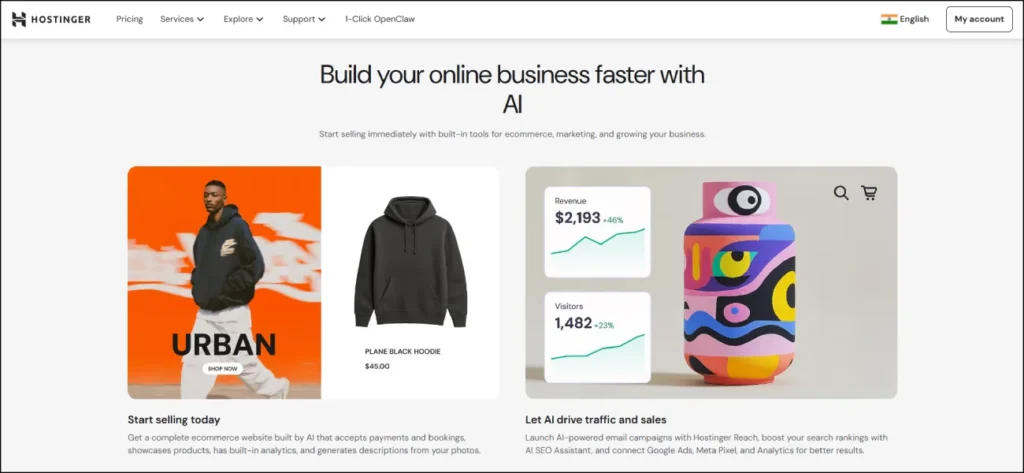
- Who it’s for: Beginners, bloggers, and small business owners on a tight budget
- What I like: Entire website generated in under 30 seconds, hosting included in every plan, manage up to 100 sites from one account
- Pricing: Plans from $1.95/month
Okay, let me just say this upfront. Hostinger is the best value ai website builder I have ever tested. And I don’t say that lightly.
For less than the price of a coffee, you get a domain, hosting, and a genuinely capable AI toolkit bundled into one plan. I’ve built dozens of sites for clients on Hostinger, and the combination of speed, simplicity, and price is unmatched anywhere in the market.
When I was testing it for this article, I described a fictional bakery business and had a complete 6-page website with relevant content, images, and a contact form live in under four minutes. That includes the time I spent tweaking colors.
No other platform at this price comes anywhere close. If you are looking for the best ai website builder 2026 on a budget, start here and don’t look back.
👉 Find Best Working Hostinger Coupon Codes Today
How Hostinger AI Website Builder works
Hostinger’s AI Website Generator asks you three things: your brand name, your business type, and a short description of what you do. You pick your preferred style and hit “Create a website.”
That’s it. The AI takes your inputs and generates a complete site with layouts, page structure, written content, and AI-generated images. A full published website in under 30 seconds.
After that, you get access to Hostinger’s editor where you can fine-tune everything. You can change layouts, swap images, edit copy, add pages, and customize your SEO settings. It’s drag-and-drop with AI assistance built into every step.
What I really like is that Hostinger also gives you an AI Heatmap. This is a tool that shows you exactly where visitors are looking on your pages. Most ai website design platforms don’t even offer this as a paid add-on, and Hostinger includes it as standard.
The AI Blog Generator is another standout feature. It creates SEO-ready blog posts up to 2,000 words from a topic alone. I used it to generate a month’s worth of blog content for a client site in about 20 minutes. The output isn’t perfect, but it’s a genuinely good first draft that ranks.
Who is Hostinger AI Website Builder for?
Hostinger is perfect for bloggers and content creators launching their first site. It’s great for small business owners who need something professional fast. It works brilliantly for freelancers managing multiple client websites because the 100-site plan is a genuine game-changer. And it’s ideal for anyone who wants real ai website maker tools without paying Wix or Squarespace prices.
If you’re asking what is the best ai website maker for someone just starting out, this is my answer every single time.
Hostinger AI Website Builder pricing
Here are Hostinger’s pricing plans:
- Premium Website Builder: $1.95/month. Includes 100 websites, free domain, drag and drop editor, AI Website Builder, free email
- Business Website Builder: $2.95/month. Everything in Premium plus advanced AI tools, e-commerce features, and priority support
Both plans include hosting. That’s important because most competitors charge for hosting separately.
Hostinger AI Website Builder pros and cons
Here are the pros of using Hostinger:
- Generates a complete website in under 30 seconds from a simple description
- Hosting is bundled, so you’re not paying extra for it separately
- Manage 100 websites on one plan, which is huge for freelancers and agencies
- AI Heatmap, AI Blog Generator, and AI Image Generator all included
- Zero transaction fees on e-commerce plans
Here are the cons of using Hostinger:
- Template library is small with fewer than 80 options
- E-commerce is limited to 500 products, so it’s not suitable for large stores
- Some AI features require extra credits beyond your base plan
- Less design flexibility than Wix for complex projects
Overall, Hostinger is the best ai website builder for beginners and budget-conscious users. The value per dollar is genuinely unbeatable in 2026.
Hostinger AI Website Builder rating and reviews
Here’s what others say about Hostinger on third-party review sites:
- G2: 4.6/5 star rating (from 1,200+ user reviews)
- Trustpilot: 4.4/5 star rating (from 13,000+ user reviews)
2. Chariot AI
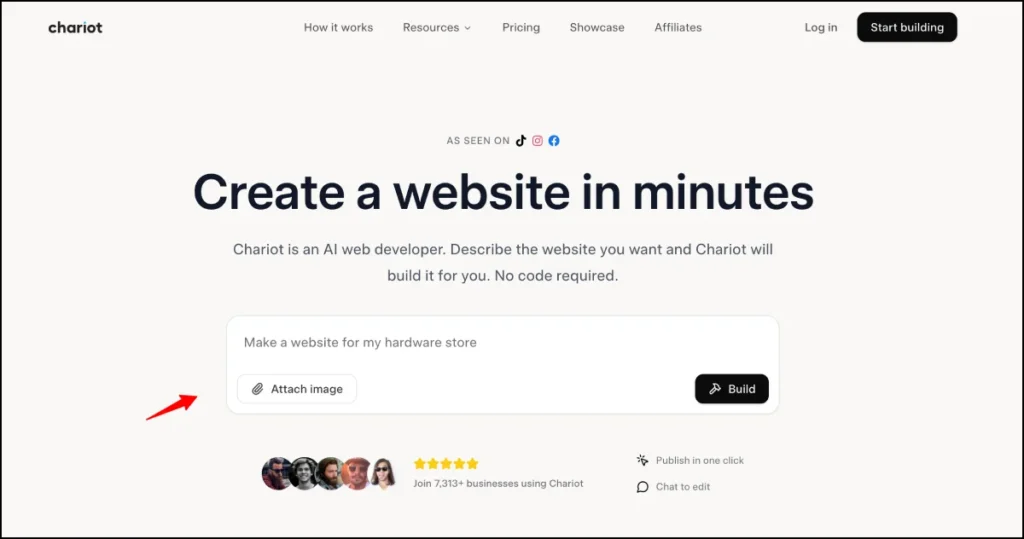
Chariotai— Build Stunning Websites in Minutes with AI
- Who it’s for: Small business owners, freelancers, creatives, restaurants, and agencies who want a professional website live in minutes with zero technical skills
- What I like: Pure conversational building experience — you describe your site in a chat box and watch it appear, unlimited revisions through plain-language commands, and hosting plus SSL are fully bundled in every plan
- Pricing: Free plan available, paid plans from $17/month
If there’s one tool on this list that perfectly captures what an AI website builder should feel like in 2026, it’s Chariot.
While most platforms on this list still ask you to drag elements, pick templates, or navigate settings menus, Chariot strips all of that away. The entire experience lives inside a single chat interface. You type a description of the website you want, and Chariot builds it — layout, copy, structure, and SEO setup — right in front of you. No templates. No dropdowns. No design decisions at all.
I tested it by describing a fictional photography studio based in Delhi. I typed one sentence: a clean, modern portfolio site for a wedding photographer serving North India, with a gallery section, a pricing page, and a contact form. Within a few minutes, I had a complete, publish-ready website that looked genuinely professional. The mobile layout was clean, the copy was relevant, and the SEO structure was set up correctly from the start.
What impressed me most was how natural the revision process felt. I typed “make the hero section darker” and it updated instantly. I typed “add a testimonials section after the gallery” and it appeared. No clicking through menus, no hunting for settings. Just a conversation. This is what makes Chariot one of the most genuinely beginner-friendly options in any honest best website builder comparison — there is literally nothing to learn except how to describe what you want.
Over 7,300 businesses have already launched with Chariot, and the platform is reporting more than 300 new websites going live every month. For a relatively newer platform, that kind of adoption says a lot about how well the experience works for everyday users.
How Chariot AI works
Chariot works through a pure chat interface. You describe your website in plain language — your business type, what you offer, the pages you need, and the tone you want. Chariot’s AI reads your description, generates the complete site structure, writes relevant copy, applies a clean responsive design, and delivers a live preview you can start editing immediately.
From there, every update happens through conversation. Ask it to change the colour scheme, add a new section, rewrite the about page, or swap in your actual services — Chariot handles all of it without you touching a single line of code. When you’re satisfied, one click publishes the site to a hosted URL with SSL already configured. You can use a free chariotai.app subdomain or connect your own custom domain straight from the dashboard.
Who is Chariot AI for?
Chariot is one of the best website builders for small businesses that just need to get online quickly without a steep learning curve. It’s ideal for freelancers building a portfolio, restaurant owners launching a menu site, consultants who need a professional presence, and local service businesses that want something live today rather than three weeks from now.
It’s not the right fit for anyone building a full-stack app, an e-commerce store with cart and payment functionality, or a platform requiring user accounts. For those needs, Lovable, Replit, or Shopify are better choices. But for straightforward business and portfolio websites, Chariot gets the job done faster and more simply than almost anything else on this list.
Chariot AI pricing
Here are Chariot’s pricing plans:
- Free: $0/month. Build and preview on a chariotai.app subdomain with limited monthly credits
- Starter: $17/month (billed annually). Includes 1,000 credits per month, up to 3 websites, custom domain connection, website hosting and SSL, built-in SEO optimization, mobile responsive design, and unlimited revisions
- Pro: $47/month (billed annually). Includes everything in Starter plus 2,500 credits per month, unlimited websites, and priority support with early access to new AI models and features
- Pay-as-you-go: Credits available for purchase individually and never expire, suited to occasional use
All plans include hosting, so you’re not paying separately for a server. That’s important to note when comparing Chariot’s $17/month Starter against some competitors that charge hosting on top of their builder fee.
Chariot AI pros and cons
Here are the pros of using Chariot AI:
- Purest conversational building experience available — no drag-and-drop, no menus, just plain language
- Unlimited revisions on all paid plans, meaning you can keep refining through chat without extra charges
- Hosting and SSL bundled into every paid plan with no separate server bill
- Built-in SEO structure including meta tags, proper heading hierarchy, and mobile optimization on every page
- Download your site files and cancel anytime — no platform lock-in
- Free plan lets you build and preview before committing to a subscription
Here are the cons of using Chariot AI:
- Not suited for e-commerce, user authentication, or complex dynamic functionality
- Newer platform with a smaller community and fewer third-party tutorials than Wix or Squarespace
- Template variety is limited compared to more mature builders
- Credit-based system means very high-volume builders may need to upgrade to Pro
Chariot AI rating and reviews
Chariot is a newer platform still accumulating large-scale third-party reviews. Check Trustpilot at trustpilot.com/review/chariotai.com for the latest user feedback. Early community sentiment across TikTok and independent review sites is strongly positive, with users consistently praising the speed of launch and the simplicity of the editing experience.
3. Relume
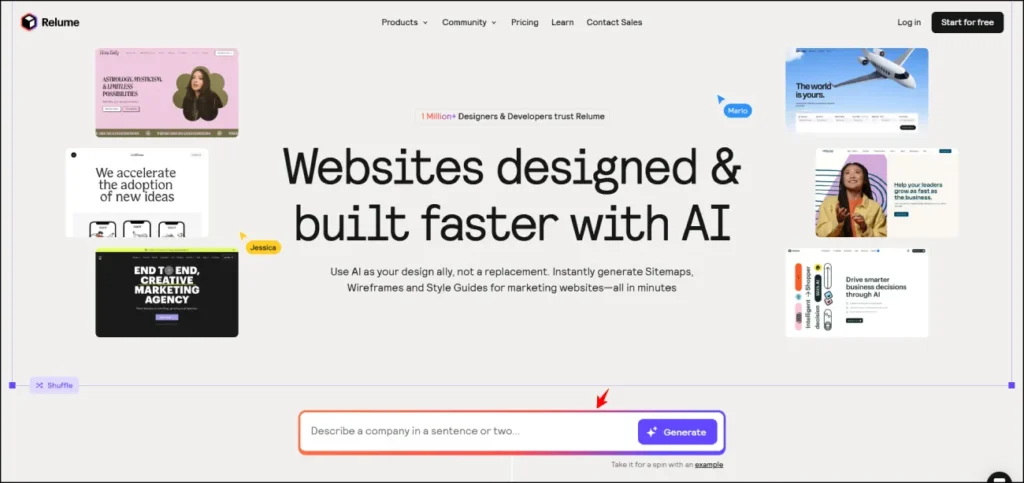
- Who it’s for: Professional web designers and developers working with Webflow or Figma
- What I like: Generates complete website sitemaps and wireframes in seconds, 1,000+ human-designed components, incredible time-saver for agency work
- Pricing: Free plan available, paid plans from $26/month
Let me be upfront about something right away. Relume is not a standalone ai website builder. It’s a design acceleration layer that sits on top of Webflow and Figma. You can’t publish a website directly from Relume. But for professional web designers who work in Webflow, it is one of the most valuable tools I’ve ever used.
Here’s how I use it. Before I start any client project, I open Relume, type a few sentences about the business, and it generates a complete sitemap showing every page the website needs with a clear hierarchy showing how they connect. One click converts that sitemap into a set of wireframes built from real, human-designed components with actual copy instead of lorem ipsum.
That planning process used to take me 4 to 6 hours per project. With Relume, it takes about 15 minutes. For an agency doing 20+ projects a year, that is a massive time saving.
How Relume works
Relume works by taking your plain-language business description and generating a complete website sitemap. You specify how many pages you need, and Relume creates a structured outline of every page, every section, and how they all connect.
From there, you convert the sitemap into wireframes in one click. These aren’t basic mockups. They’re functional wireframes built from Relume’s library of 1,000+ components, each designed by professional web designers. The AI fills in relevant copy automatically, so your wireframes look like real websites from the moment they generate.
Once you’re happy with the structure, you export directly into Webflow or Figma and build the final site there. The whole workflow is the cleanest design-to-publish pipeline I’ve found for professional agency work.
Who is Relume for?
Relume is the best ai website builder for professional web designers and agencies who live in Webflow. If you build client websites regularly, it will change how you do your planning process completely.
If you’re not already working in Webflow or Figma, Relume is probably not for you. Use a standalone ai site builder like Hostinger or Wix instead.
Relume pricing
Here are Relume’s pricing plans:
- Free: $0/month. Includes 1 project, 1 page, 30 Webflow components, 30 React components, 1,000+ Figma components, read-only sharing
- Starter: $26/month. Includes 1 project, 5 pages, export to Figma, Webflow and React, 1,000+ components across all platforms, commenting
- Pro: $58/month. Includes unlimited projects, unlimited pages, all exports, full component library, team collaboration
- Team: $52/month per person (minimum 3 people). Includes everything in Pro plus team workspace and branded sharing
Relume pros and cons
Here are the pros of using Relume:
- Generates complete sitemaps and wireframes in minutes from a single prompt
- 1,000+ human-designed components, not AI-generated, actual quality components
- Saves 4 to 8 hours of planning per project for agencies
- Excellent team collaboration with comments and project sharing
- Monthly new components added based on user feedback
Here are the cons of using Relume:
- Cannot publish websites directly, requires Webflow or Figma
- Expensive for solo freelancers who only do a few projects a year
- Some components have reported stability issues in complex Webflow builds
- Focused on structure and planning, not visual design polish
Overall, Relume is a must-have for Webflow designers. It’s not the best ai website builder for ecommerce or beginners, but for professional design workflows, it saves more time than almost anything else on this list.
Relume rating and reviews
Here’s what others say about Relume on third-party review sites:
- Product Hunt: 4.8/5 star rating (from 25+ user reviews)
- G2: 3.6/5 star rating (from 6+ user reviews)
4. Emergent
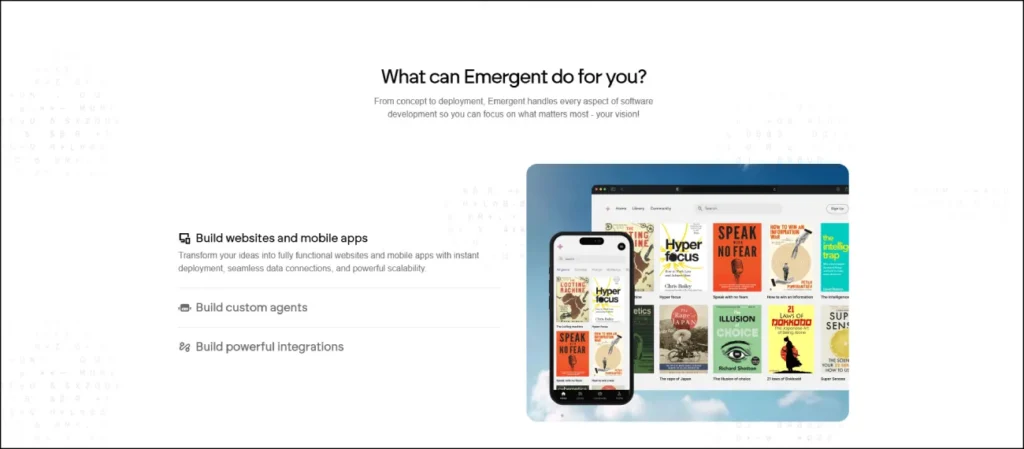
- Who it’s for: SMB owners, IT agencies, operations teams, and non-technical founders building business apps
- What I like: Full-stack web and mobile app generation from pure conversation, multi-agent system builds faster than single-agent platforms, backed by Y Combinator S24
- Pricing: Free to start, Enterprise plans available
Emergent is one of the most exciting newer tools on this entire list.
It’s a YC S24-backed platform, meaning Y Combinator’s Summer 2024 batch, that lets you build full-stack web and mobile apps through pure conversation. You don’t write code. You don’t use a drag-and-drop interface. You just talk to it and it builds.
What makes Emergent different from Lovable and Replit is its specific focus on business operations users. Where Lovable targets technical founders and Replit targets developers, Emergent is built for SMB owners, operations managers, and IT agencies who need internal tools built fast without any technical background whatsoever.
I tested it for this review by describing an internal project tracking tool. Emergent’s AI agents, it uses a multi-agent system where different AI agents handle design, coding, and deployment simultaneously, built a working prototype faster than I expected from a platform this new.
How Emergent works
You open a conversation with Emergent and describe what you want to build in plain English. Its AI agents divide the work between them. One handles design, one handles the code logic, one handles deployment. They work in parallel, which is part of why the generation speed is impressive.
The result is a production-ready web or mobile application that you can use immediately or continue refining through follow-up prompts. It feels genuinely conversational in a way that most ai powered website builders still don’t manage to pull off.
Who is Emergent for?
Emergent is the best ai website builder for SMB owners who need to build business tools fast. Think customer portals, booking systems, inventory trackers, and internal dashboards, all without hiring a developer or an agency. It’s also great for IT agencies that want to deliver prototypes to clients faster than ever before.
If you just need a standard business website, use Hostinger. But if you need actual business software built without a dev team, Emergent is worth exploring seriously.
Emergent pricing
Here are Emergent’s pricing plans:
- Free: $0/month. Sign up with Google or email, build and test immediately, no credit card required
- Enterprise: Custom pricing. Dedicated support, enterprise integrations, custom onboarding
Emergent pros and cons
Here are the pros of using Emergent:
- Multi-agent system builds faster than single-agent platforms
- Covers both web and mobile app generation in one platform
- Built specifically for business use cases, not just developer playgrounds
- YC S24 backed, serious pedigree and a team that ships fast
- Free to start with no credit card required to explore the platform
Here are the cons of using Emergent:
- Newer platform, less battle-tested than Lovable or Replit
- Community and documentation still growing
- Mobile app generation is still maturing
- Less name recognition means fewer third-party tutorials and resources right now
Overall, Emergent is one of the most promising ai-powered website builders for business users in 2026. Given the YC backing and the team’s focus on SMB users specifically, I expect this to become a major player very quickly. Keep a close eye on it.
Emergent rating and reviews
Because Emergent is a newer YC-backed startup, formal review site ratings are still accumulating. Check Product Hunt for the latest community reviews and early user feedback.
In Trustpilot, it is reated 3/5 start which is very poor.
5. Replit
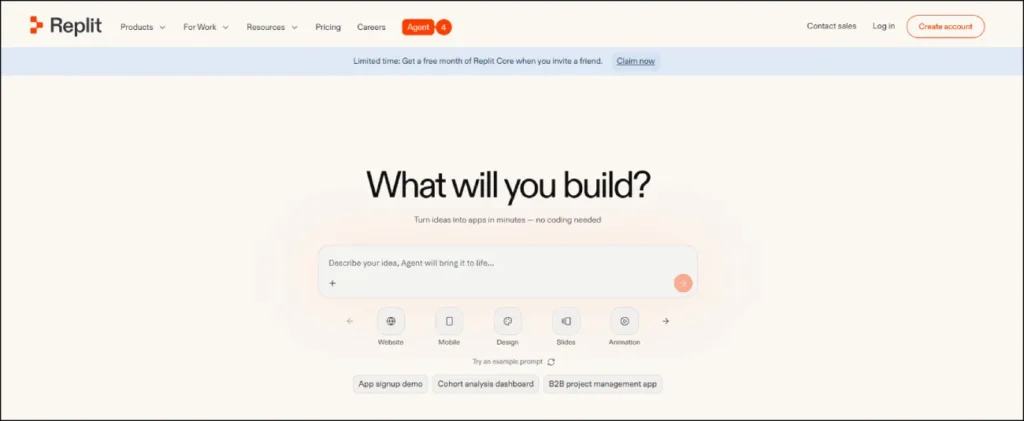
- Who it’s for: Developers, technical founders, and teams building production-ready full-stack apps
- What I like: Agent 3 autonomously writes, tests, and deploys complete applications. It genuinely feels like having a senior developer on your team working at 10x speed
- Pricing: Free Starter plan, Core from $25/month
If Lovable is the best ai website builder for non-technical founders, Replit is its counterpart for developers and technical teams.
Replit has evolved from a browser-based code editor into one of the most powerful AI development platforms available anywhere today. Its Agent 3 is genuinely autonomous. You describe what you want to build, and it writes the code, runs tests, catches errors, and deploys the application. All without you touching a line of code yourself.
I used Replit to build a full e-commerce dashboard prototype that included inventory management, user roles, sales analytics charts, and a customer communication panel. Agent 3 handled everything including the backend database schema in one extended session.
The platform supports 50+ programming languages, includes built-in PostgreSQL databases, authentication, hosting, and monitoring, all with zero local setup. Everything runs in the browser. Over 40 million people use Replit. It is not a toy.
How Replit works
You describe what you want to build in plain English. Agent 3 reads your description, creates a plan, writes production-ready code, and shows you the running application in real time. You can watch it think through problems, catch its own bugs, and iterate, like watching a developer work at speed you’ve never seen before.
From there, you can continue refining through prompts or switch to manual editing if you want to customize specific parts of the code. GitHub export is available on all paid plans so you own everything you build.
The deployment options are enterprise-grade: autoscale hosting, SOC 2 security compliance, SAML SSO, and admin controls are all available on higher plans.
Who is Replit for?
Replit is the best ai tools to build a website when that website needs to function as a real application with databases, user accounts, and custom logic. It’s for developers, technical co-founders, engineering teams, and startup CTOs who want to prototype and ship production-ready web apps faster than ever before.
If you have zero technical background, try Lovable or Emergent first. Replit rewards users who understand code even at a basic level.
Replit pricing
Here are Replit’s pricing plans:
- Starter: Free. Includes limited daily Agent credits, 1 published app, basic AI features
- Core: $25/month (or $20/month billed annually). Includes $25 monthly AI credits, latest AI models, full Agent access, unlimited published apps
- Pro: $100/month. For teams up to 15 builders, tiered credit discounts, priority support, credit rollover
- Enterprise: Custom pricing. Includes SOC 2, SAML SSO, admin controls, dedicated support
Replit pros and cons
Here are the pros of using Replit:
- Agent 3 is the most capable autonomous coding AI available in a browser today
- Zero local setup, everything runs in the cloud from day one
- Built-in database, authentication, hosting, and monitoring with no configuration needed
- 100+ integrations including OpenAI, Stripe, and Google Workspace
- Full code ownership with GitHub export on all paid plans
Here are the cons of using Replit:
- Not beginner-friendly, requires some technical comfort to get full value
- Credit system means costs can escalate with heavy Agent use
- No live chat support on the Core plan
- Complex apps can burn through the $25 monthly credit allowance quickly
Overall, Replit is the best ai for building websites when those websites need to function as real applications. For developers, there is nothing else quite like it in the best ai website builder 2026 category.
Replit rating and reviews
Here’s what others say about Replit on third-party review sites:
- G2: 4.5/5 star rating (from 47+ user reviews)
- Product Hunt: Highly rated across multiple product launches with active community support
6. Lovable
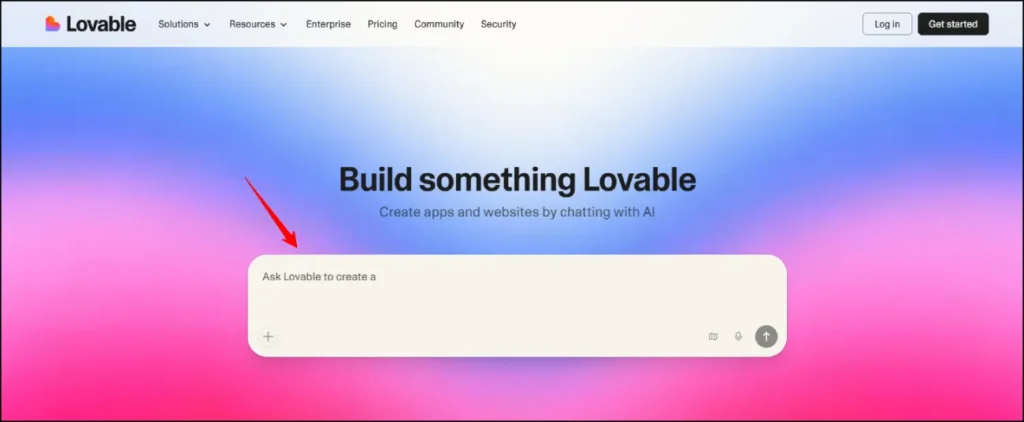
- Who it’s for: Non-technical founders, product managers, and startup teams building web apps without coding
- What I like: Builds full-stack web apps from plain language, not just landing pages but actual working applications with real databases and user authentication
- Pricing: Free plan available, paid plans from $25/month
Okay, this one is genuinely exciting.
Lovable is not a traditional ai website builder. It’s something much more powerful: an AI full-stack engineer that turns your description into a working web application. We’re talking real databases, real user authentication, real payment processing, not just a pretty static site.
I used Lovable to build a task management app prototype for this review. I described what I wanted in plain English: user logins, a kanban board, the ability to assign tasks to team members. Lovable built the entire thing in about two hours. No code. Just prompts.
For context, a developer would charge $3,000 to $8,000 for that same prototype.
The platform has been on an incredible growth trajectory. It hit £13.5 million ARR just three months after launch. It’s now backed at a $6.6 billion valuation and powers over 25 million projects. And the February 2026 Lovable 2.0 update added real-time collaboration for up to 20 users simultaneously, solving the biggest limitation the original version had.
How Lovable works
Lovable works exactly like chatting with a developer. You describe what you want to build, and Lovable generates the complete frontend and backend. It automatically connects to Supabase for database storage, sets up authentication, and deploys everything to a live URL with one click.
If you want to sell something, you can integrate Stripe. If you want user logins via Google, you can do that. If you want to store files, it handles that too. All through prompts, no code required.
The GitHub sync is a big deal. Your code is automatically saved to a GitHub repository, so you actually own what you build. You can export it, hand it to a developer for further customization, or take it to any hosting platform. You are never locked in.
Who is Lovable for?
Lovable is the best ai website builder for non-technical founders validating startup ideas, product managers building internal tools, and small teams who need a working prototype fast without a development budget.
It’s also surprisingly good for marketers and content creators who want to build more than just a landing page. Think custom newsletter tools, feedback portals, or small SaaS products.
If you just need a business website or a blog, use Hostinger. Lovable is overkill for that. But if you want to build actual software, this is where you start in 2026.
Lovable pricing
Here are Lovable’s pricing plans:
- Free: $0/month. Includes 5 daily credits (up to 30/month), public projects only, 5 Lovable subdomains, cloud hosting
- Pro: $25/month. Includes 100 monthly credits plus 5 daily credits (up to 150 total), custom domains, private projects, remove Lovable badge, credit rollover. Shared across unlimited users
- Business: $50/month. Includes SSO, team workspace, personal projects, opt out of data training, design templates
- Enterprise: Custom pricing. Includes dedicated onboarding, custom connections, group access controls, audit logs
Lovable pros and cons
Here are the pros of using Lovable:
- Builds complete full-stack applications, not just static websites
- GitHub sync means you own your code with no lock-in
- Real-time collaboration for up to 20 users added in the February 2026 update
- Supabase and Stripe integrations work out of the box without configuration
- The Pro plan is shared across unlimited users for $25 total, incredible value for teams
Here are the cons of using Lovable:
- Free tier gives only 5 daily credits, barely enough to properly evaluate the tool
- Credit system can drain fast on complex projects with debugging loops burning 60 to 150 credits
- Not ideal for pixel-perfect design control
- Complex business logic can sometimes trip up the AI and require developer intervention
Overall, Lovable is the best among the best ai tools to build a website that doubles as a full application. For founders and product teams, this is one of the most valuable tools in this entire list.
Lovable rating and reviews
Here’s what others say about Lovable on third-party review sites:
- G2: 4.6/5 star rating (from 181+ user reviews)
- Trustpilot: 4.6/5 star rating (from 1,000+ user reviews, with 64% five-star ratings)
7. Wix AI Website Builder
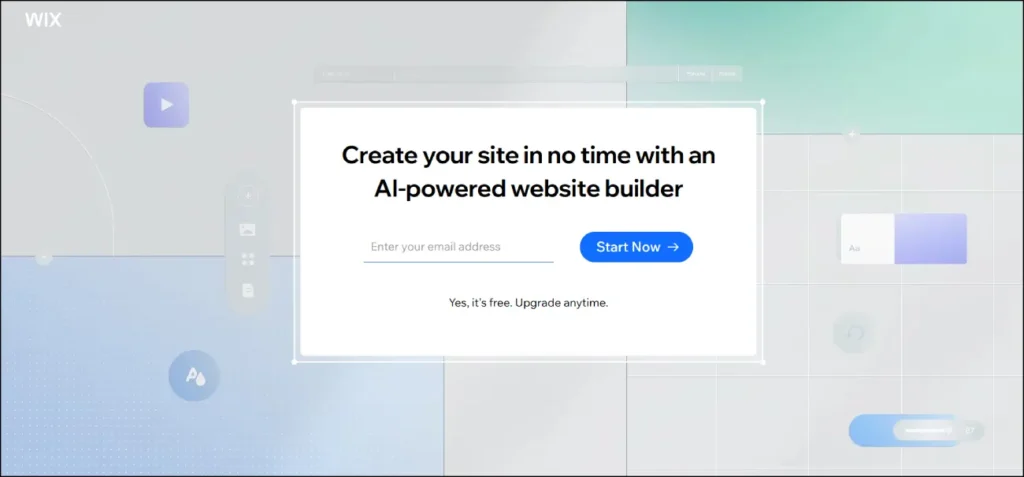
- Who it’s for: Small businesses, freelancers, and growing brands that need design flexibility and a complete toolkit
- What I like: The most complete AI toolkit of any builder on this list, Wix Astro AI assistant gives genuinely useful business advice beyond just design
- Pricing: Free plan available, paid plans from $17/month
Wix has been building AI features since 2016. That’s almost a decade of refinement, and it shows in the depth and polish of what they offer today.
The Wix AI Website Builder is easily the most feature-complete option in this entire ai website builder comparison. It’s not just a website builder. It’s a full business platform with AI woven into everything. Design, content, SEO, email marketing, booking systems, e-commerce, it’s all in one place, and AI powers most of it.
I built a photography portfolio site on Wix for this review. The AI asked me 11 questions about my style, audience, and goals. Within about three minutes, I had a complete website with gallery sections, a contact page, a booking tool, and relevant copy. The result genuinely looked like a designer built it.
The standout feature for me is Wix Astro, their AI business assistant. You can ask it actual business questions like “what should I charge for my photography packages?” or “how do I improve my booking conversion rate?” and it gives you smart, relevant answers. It’s like having a business advisor available around the clock.
How Wix AI Website Builder works
Wix AI starts with a conversation. It asks you about your business type, your goals, who your audience is, and what kind of website you need. Based on your answers, it generates a complete site with relevant pages, content, and a design that fits your industry.
After generation, you can refine everything through a chat interface. Just type what you want to change and the AI adjusts it. Or switch to Wix’s classic drag-and-drop editor for full manual control.
The AI Section Creator is one of my favorite features. You can describe a new section you want, like “I need a testimonials section with a dark background and star ratings,” and it builds it for you instantly. No templates, no dragging and dropping. Just describe it and it appears.
The AI SEO Wizard handles all the technical SEO setup automatically including meta tags, headings, image alt text, and structured data. For a deeper dive into how to pair ai website builder tools with SEO strategy, check out our guide on SEO content writing that ranks.
Who is Wix AI Website Builder for?
Wix is best for small businesses, freelancers, portfolio creators, bloggers, and growing brands that want the most complete toolkit available. It’s also great for anyone who might outgrow a basic builder and needs room to expand, because the app marketplace has 500+ integrations.
If you want the best ai web builder that gives you everything in one place and room to grow, Wix is it.
Wix AI Website Builder pricing
Here are Wix’s pricing plans:
- Free: $0/month. Includes Wix ads, limited storage, no custom domain
- Light: $17/month. Custom domain, 2GB storage, remove Wix ads
- Core: $29/month. Basic e-commerce, 50GB storage
- Business: $36/month. Full e-commerce, subscriptions, analytics
- Business Elite: $159/month. Unlimited storage, priority support
Wix AI Website Builder pros and cons
Here are the pros of using Wix:
- The most complete AI toolkit available with text, images, SEO, sections, and business tools all AI-powered
- Wix Astro gives real business advice, not just design tips
- 500+ app integrations for any business need
- Strong e-commerce features on paid plans
- Mature platform that has been refined for nearly a decade
Here are the cons of using Wix:
- More expensive than Hostinger and GoDaddy
- Editor can get sluggish after multiple AI regenerations
- Free plan comes with Wix ads and no custom domain
- Some advanced features have a noticeable learning curve
Overall, Wix is the best ai website builder if you want the most powerful all-in-one platform and don’t mind paying a bit more for it.
Wix AI Website Builder rating and reviews
Here’s what others say about Wix on third-party review sites:
- G2: 4.2/5 star rating (from 1,700+ user reviews)
- Trustpilot: 4.3/5 star rating (from 36,000+ user reviews)
8. Squarespace Blueprint AI
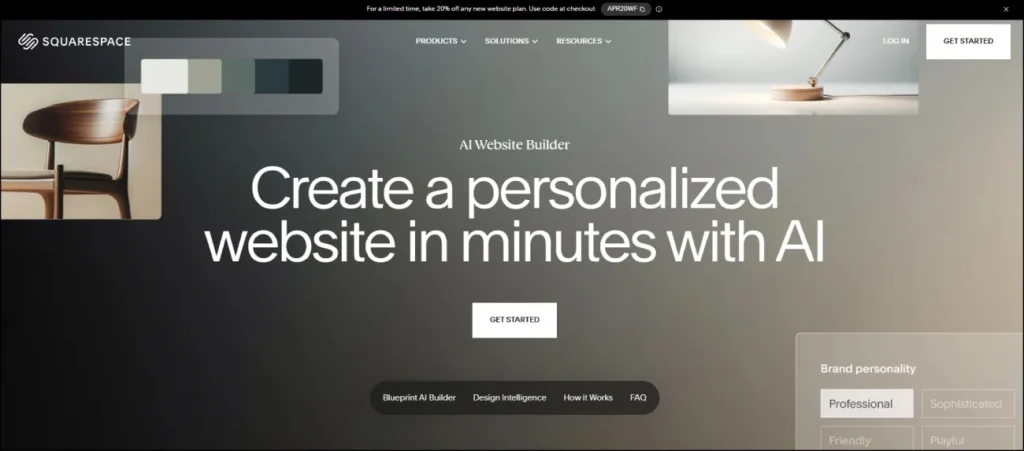
- Who it’s for: Creative professionals, photographers, consultants, and design-focused businesses
- What I like: The most beautiful AI-generated designs I’ve seen in any ai website design tool, incredible brand consistency across every page
- Pricing: Plans from $16/month, 14-day free trial
If visual quality is your top priority, Squarespace is your best option. Period.
Squarespace has always been the design-first ai website builder. Its Blueprint AI takes that reputation and adds real intelligence. The output looks genuinely stunning without you needing any design skill at all.
I used Blueprint AI to build a consulting website for this review. The five-step guided setup asked about my brand personality, my target audience, my preferred aesthetic, and the kind of content I’d be publishing. The resulting website had better typography, spacing, and visual hierarchy than I could have produced manually in a couple of hours.
What sets Squarespace apart is the Brand Identity Builder. It maintains a consistent visual language across every single page. The same fonts, the same color palette, the same tone of voice throughout. When I’m building client sites that need to look high-end without a huge budget, Blueprint AI is often where I start.
How Squarespace Blueprint AI works
Blueprint AI guides you through five steps: business type, brand personality, homepage sections, additional pages, and your color and font preferences. The whole setup takes about 10 minutes.
After that, it generates a complete, polished website with industry-specific content written in your brand voice. The Layout Switcher lets you try different content arrangements with one click, so if the first version doesn’t feel right, you can instantly see 3 to 4 alternatives without rebuilding anything.
The AI Content Generation also writes product descriptions, email drafts, and blog intros in your brand voice. It’s not perfect, but it’s a much better starting point than a blank page.
Who is Squarespace Blueprint AI for?
Squarespace is the best ai website maker for creative professionals including photographers, designers, consultants, coaches, and architects. It’s also great for service-based businesses and small agencies that want a professional online presence without a big budget.
If your business is visual and first impressions matter, start here.
Squarespace Blueprint AI pricing
Here are Squarespace’s pricing plans:
- Personal: $16/month. One website, unlimited pages, 14-day free trial
- Business: $23/month. E-commerce, professional email, premium integrations
- Commerce Basic: $28/month. E-commerce tools, no transaction fees
- Commerce Advanced: $52/month. Subscriptions, advanced shipping, commerce APIs
Squarespace Blueprint AI pros and cons
Here are the pros of using Squarespace:
- The most visually polished AI-generated designs in the entire market
- Consistent brand voice and aesthetic across every single page
- Guided five-step setup is smooth and easy even for complete beginners
- Strong built-in analytics and marketing tools
- Award-winning templates that look great even with AI generation
Here are the cons of using Squarespace:
- Page load speeds are slightly slower than Hostinger and Wix
- Less design flexibility than Wix, you can’t customize absolutely everything
- Fewer AI features overall compared to Wix or Hostinger
- No free plan, only a 14-day trial
Overall, Squarespace is the best ai website design software if aesthetics and brand consistency are your top priorities. Nothing else looks this good straight out of the box.
Squarespace Blueprint AI rating and reviews
Here’s what others say about Squarespace on third-party review sites:
- G2: 4.4/5 star rating (from 1,000+ user reviews)
- Trustpilot: 4.3/5 star rating (from 6,000+ user reviews)
9. Shopify
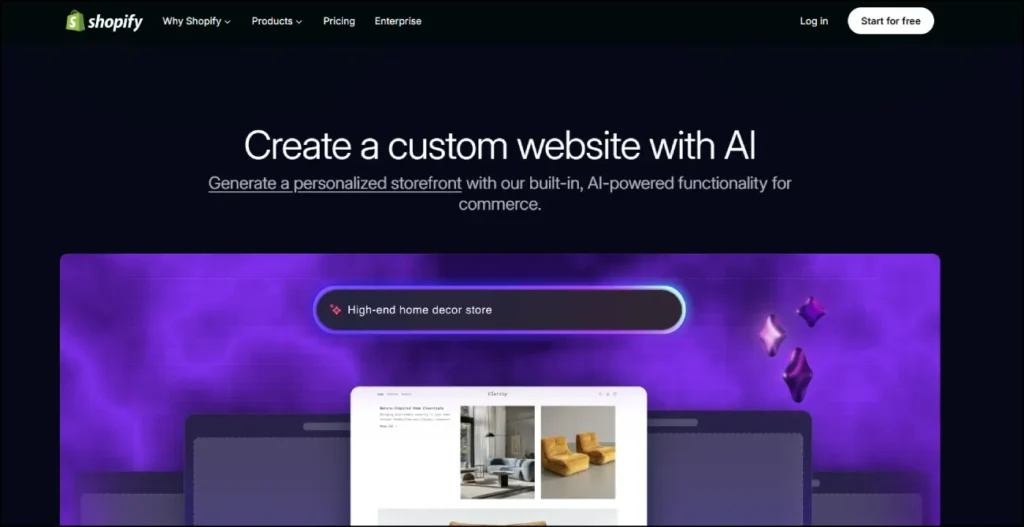
- Who it’s for: Online store owners, product sellers, and e-commerce entrepreneurs of any size
- What I like: Shopify Magic AI writes product descriptions that actually convert, Sidekick gives real e-commerce business advice backed by your actual store data
- Pricing: From $29/month, first 3 months at $1/month for new users
If you’re building an online store, the question isn’t whether to use Shopify. It’s which Shopify plan to start on.
I’ve built and managed e-commerce sites on Wix, Squarespace, and WooCommerce. None of them come close to Shopify when it comes to selling products online. And the AI tools Shopify has added make it even stronger.
Shopify Magic is what really stands out. I used it to write product descriptions for a fictional skincare brand, and the output was genuinely impressive. It matched the brand voice, included relevant keywords, and structured the descriptions in a way that would convert. I’ve written product descriptions manually for years. Shopify Magic does it better than most copywriters I’ve hired.
Sidekick is Shopify’s AI business advisor. You can ask it things like “why are my conversion rates dropping?” or “what’s the best way to set up a discount for returning customers?” and it gives you specific, actionable answers based on your actual store data. It’s like having an e-commerce consultant available 24/7.
This is why Shopify ranks as the best ai website builder for ecommerce in every honest ai website builder comparison I’ve done.
How Shopify works
You describe your business and pick a theme, and Shopify generates a customized storefront. From there, Shopify Magic can write all your product descriptions, blog posts, email campaigns, and FAQ responses automatically.
The AI Product Image Transformation tool is genuinely impressive. Upload a basic photo of your product on a plain background, and it converts it into a professional lifestyle image in seconds. I tested it with a photo taken on a kitchen counter and the result looked like a proper studio shoot.
Who is Shopify for?
Shopify is the best ai website builder for ecommerce, full stop. It’s for product sellers, dropshippers, brand founders, service businesses selling packages, and anyone who needs a serious, scalable online store.
If you’re not selling products, Shopify is probably overkill. Use Hostinger or Wix instead.
Shopify pricing
Here are Shopify’s pricing plans:
- Basic: $29/month. 2 staff accounts, basic reports, standard card rates
- Shopify: $79/month. 5 staff accounts, professional reports
- Advanced: $299/month. Custom reports, third-party shipping rates, 15 staff accounts
- Shopify Plus: From $2,300/month. Enterprise-grade features for high-volume merchants
- New users get the first 3 months for $1/month
Shopify pros and cons
Here are the pros of using Shopify:
- Shopify Magic writes conversion-focused product content that actually sells
- Sidekick gives real e-commerce advice based on your actual store data
- AI Product Image Transformation turns basic photos into professional shots
- Best abandoned cart recovery, upsell, and conversion tools in the market
- Scales from your very first product to millions in revenue without changing platforms
Here are the cons of using Shopify:
- Expensive compared to general-purpose ai website builders
- Transaction fees apply if you don’t use Shopify Payments
- Not suited for non-product businesses
- Templates can feel less design-flexible than Squarespace or Framer
Overall, Shopify is the clear winner for best ai website builder for ecommerce. If you’re serious about selling online, this is where you build.
Shopify rating and reviews
Here’s what others say about Shopify on third-party review sites:
- G2: 4.4/5 star rating (from 4,400+ user reviews)
- Trustpilot: 4.2/5 star rating (from 33,000+ user reviews)
10. GoDaddy Airo
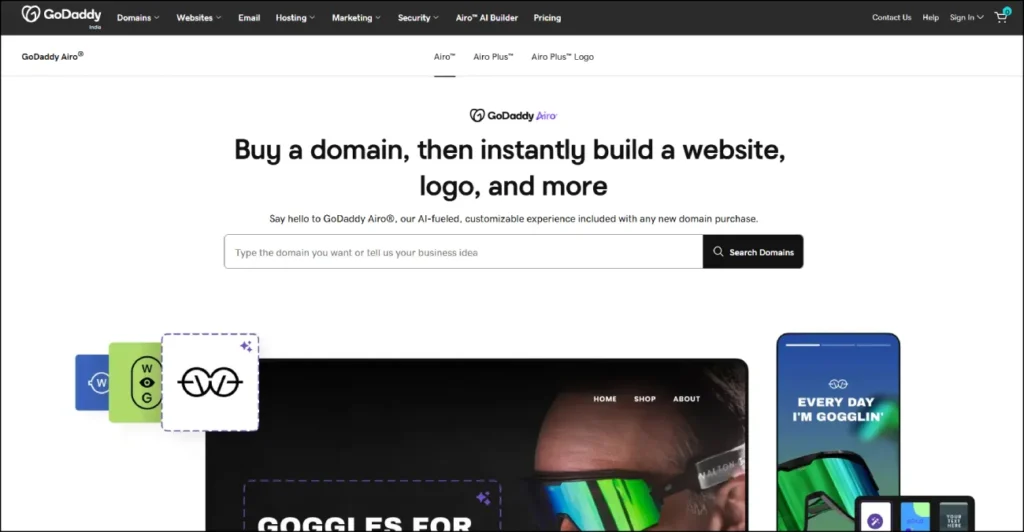
- Who it’s for: Small business owners and local businesses who want to get their entire online presence set up in a single session
- What I like: Goes beyond just a website and generates a logo, social content, and email campaigns all in one session
- Pricing: Free starter plan, paid plans from $9.99/month
GoDaddy launched Airo in early 2024 with a clear mission: get your entire business online in a single afternoon.
I tested it by building a site for a fictional hair salon. In one session, Airo generated a complete website, a professional logo, a Google Business Profile suggestion, a week of social media post ideas, and an email campaign template. That’s a full week of marketing work done in about 15 minutes.
For small business owners who don’t have a marketing team, this is genuinely powerful. As an easy ai website builder for non-technical users, GoDaddy Airo is hard to beat.
How GoDaddy Airo works
You describe your business type and location. Airo uses that information to generate website content, a logo, and marketing materials that are relevant to your specific industry and audience. The whole process is guided and tells you exactly what to do at every step.
The built-in SEO Wizard is worth mentioning specifically. It goes through your key pages and suggests keyword improvements based on your business type and location. For a local business trying to rank on Google Maps, this is a real time-saver.
Who is GoDaddy Airo for?
GoDaddy Airo is the easiest ai website builder for small business owners who want a complete online presence without technical complexity. It’s also great for local service businesses including restaurants, salons, contractors, and tradespeople who need to show up in local search results fast.
GoDaddy Airo pricing
Here are GoDaddy Airo’s pricing plans:
- Free: $0/month. Basic website on a GoDaddy subdomain
- Basic: $9.99/month. Custom domain, basic AI tools, email marketing starter
- Premium: $14.99/month. Advanced AI content, social media tools, priority support
- Commerce: $20.99/month. Online store, payment processing, inventory management
GoDaddy Airo pros and cons
Here are the pros of using GoDaddy Airo:
- Most complete all-in-one setup including website, logo, social content, and email in one session
- The cheapest full-featured ai website builder after Hostinger
- Local SEO tools are genuinely useful for brick-and-mortar businesses
- Large, trusted platform with reliable uptime and 24/7 support
Here are the cons of using GoDaddy Airo:
- Less design flexibility and customization than Wix or Squarespace
- Templates can look generic across different industries
- Pages can load slowly on some connections
- No custom code options for advanced users
Overall, GoDaddy Airo is one of the best top ai website builders for small businesses that need everything done quickly without a big learning curve.
GoDaddy Airo rating and reviews
Here’s what others say about GoDaddy on third-party review sites:
- G2: 4.1/5 star rating (from 7,500+ user reviews)
- Trustpilot: 4.0/5 star rating (from 9,000+ user reviews)
11. Framer AI
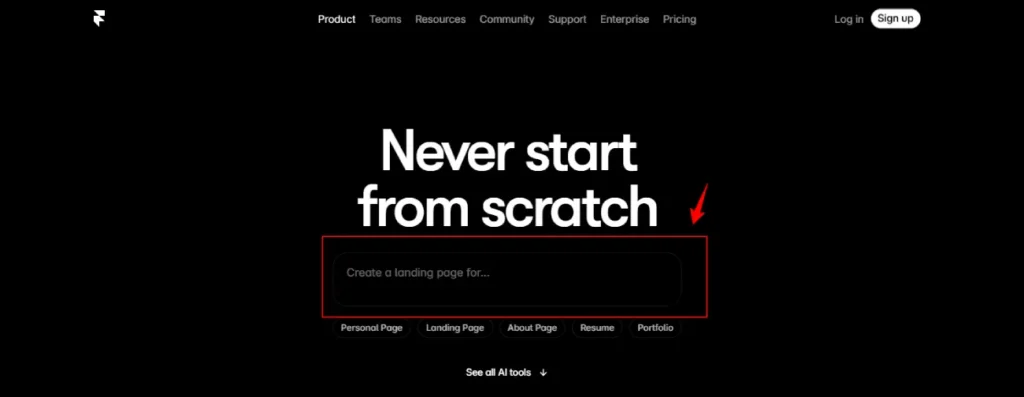
- Who it’s for: Designers, creative agencies, and freelancers who want professional-grade output with real performance scores
- What I like: Design output quality is a completely different level from other builders, consistent 90+ PageSpeed scores, AI Translation builds multilingual sites in one click
- Pricing: Free plan available, paid plans from $15/month
Framer is not for everyone. But if you care about design quality, really care about it, Framer might be the most impressive ai website builder on this entire list when it comes to visual output.
I’ve used Webflow, Squarespace, and Wix for client work. And when I built a SaaS marketing site in Framer for this review, the design output genuinely surprised me. The typography hierarchy, the animation quality, the page speed scores, everything was better than what I got from those other platforms.
When I ran a Google PageSpeed test on the Framer site, it scored 94. On a comparable Wix site, I got 71. That performance gap matters for SEO and conversions, and Framer’s AI maintains it automatically.
How Framer AI works
Framer AI starts by creating a wireframe based on your description. You tell it the type of site you want, whether it’s a portfolio, startup landing page, business website, or blog, and it generates the full structure.
Then you go into what they call Workshop mode, where you can refine individual components with AI or manually edit them on the visual canvas.
The AI Translation feature is something I haven’t seen done this well anywhere else. It translates your entire website into multiple languages in one click, maintaining your brand voice and keeping formatting consistent across every language. For any business with an international audience, this is huge.
Who is Framer AI for?
Framer is the best ai website builder for designers, freelancers, agencies, and creative professionals who need stunning output and precise control. It’s also great for startups that want a high-converting marketing site with real performance metrics.
If you’ve never designed a website before, start with Hostinger or Wix. Come back to Framer when you’re ready for more control.
Framer AI pricing
Here are Framer AI’s pricing plans:
- Free: $0/month. Framer subdomain, personal projects, basic AI tools
- Mini: $5/month. Custom domain, AI tools, fast hosting
- Basic: $15/month. Full AI design tools, built-in SEO, secure hosting
- Pro: $30/month. Staging, CMS, roles and permissions, advanced SEO
- Scale: $100/month. A/B testing, priority support, premium CDN, custom proxy
Framer AI pros and cons
Here are the pros of using Framer AI:
- Best design output quality of any ai website builder, period
- Consistent 90+ PageSpeed scores without manual optimization
- AI Translation builds multilingual sites in seconds
- Strong team collaboration tools for agencies
- Huge community of Framer creators with free templates and tutorials
Here are the cons of using Framer AI:
- Significant learning curve for non-designers
- E-commerce features are very basic, not suitable for serious stores
- No static HTML/CSS export, you’re hosting on Framer’s platform
- Can get expensive for high-traffic sites on the Scale plan
Overall, Framer is the best ai website design software for design professionals. The gap between Framer’s output quality and the rest of the market is real, and it matters for agencies and freelancers.
Framer AI rating and reviews
Here’s what others say about Framer AI on third-party review sites:
- G2: 4.5/5 star rating (from 134+ user reviews)
- Capterra: 4.4/5 star rating (from 31+ user reviews)
12. Figma Sites & Figma Make
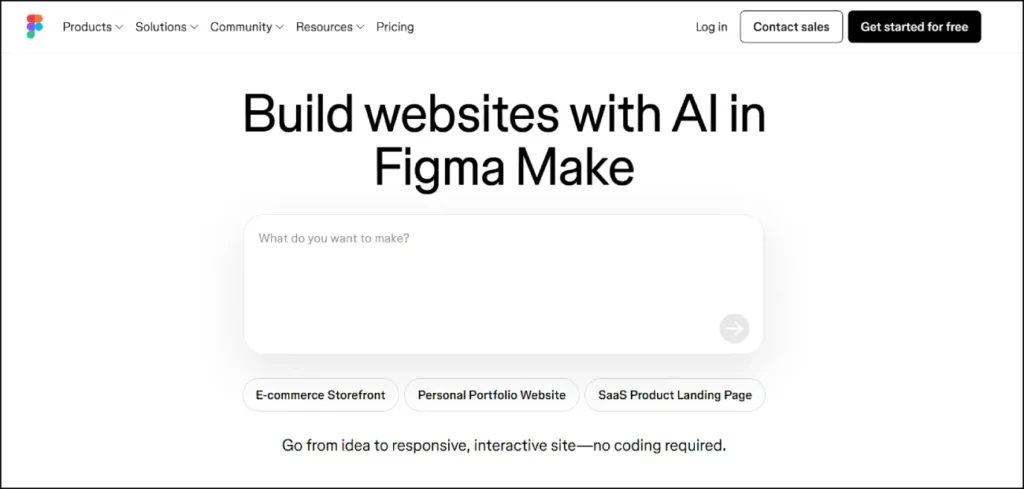
- Who it’s for: Designers already working in Figma who want to publish websites directly from their design environment
- What I like: Eliminates the designer-developer handoff problem entirely, design in Figma, publish from Figma, no third-party tools needed
- Pricing: Included with Figma plans from $15/month, Figma Starter is free
If you’re a designer, you’ve felt the pain of the handoff problem.
You spend hours creating a beautiful design in Figma. Then you have to recreate it in Webflow, or hand it to a developer who interprets it differently, or export it into some other builder where it never quite looks right.
Figma has been solving that problem with two powerful new features: Figma Sites and Figma Make.
Figma Sites (Beta) lets you design your website directly in Figma and publish it as a fully responsive, live website with one click. No third-party platforms. No export headaches. Just design and publish.
Figma Make (New) lets you type what you want in natural language and Figma Make generates the complete design and code inside your Figma workspace. It’s essentially a built-in ai website generator native to Figma.
I used both for this review. Figma Make generated a SaaS landing page from a prompt in about 90 seconds. Then I published it via Figma Sites without leaving Figma once. The whole process was seamlessly integrated in a way that nothing else on this list can replicate.
How Figma Sites and Figma Make work
With Figma Make, you describe what you want in natural language and it generates the design directly in your Figma canvas. You can iterate by typing follow-up prompts and it updates in real time.
Figma Sites then takes any design in your Figma workspace and turns it into a published, responsive website. The AI handles the responsive breakpoints automatically so your desktop design adapts to tablet and mobile without any manual work.
Who is Figma for?
Figma Sites and Make are the best ai website builders for designers who already use Figma professionally. The zero-context-switching workflow is a genuine competitive advantage for working designers.
If you’ve never used Figma, this is probably not where you start. Try Hostinger or Squarespace first.
Figma pricing
Here are Figma’s pricing plans:
- Starter: $0/month. Free plan with core Figma features including Make and Sites (beta)
- Professional: $15/month per editor. Full features, unlimited projects, version history
- Organization: $45/month per editor. Team libraries, design system management, analytics
- Enterprise: $75/month per editor. Advanced security, dedicated support, SSO
Figma pros and cons
Here are the pros of using Figma Sites and Make:
- Eliminates designer-developer handoff completely
- Most natural AI integration for design professionals
- Figma Make generates real, editable designs inside your workspace
- Massive community with millions of templates and design resources
- Figma Sites handles responsive design automatically
Here are the cons of using Figma Sites and Make:
- Figma Sites is still in Beta with some features and limitations still evolving
- High learning curve for users new to the Figma environment
- Less suited for non-designers or general business owners
- E-commerce capabilities are limited compared to Shopify or Wix
Overall, for designers already in Figma, these new features are the best ai website design upgrade available. The ability to go from prompt to published without leaving your design tool is something the industry has needed for years.
Figma rating and reviews
Here’s what others say about Figma on third-party review sites:
- G2: 4.7/5 star rating (from 900+ user reviews)
- Capterra: 4.7/5 star rating (from 700+ user reviews)
13. Durable
- Who it’s for: Service businesses, freelancers, and anyone who needs a professional website live today
- What I like: A complete, publishable website in under 60 seconds, genuinely the fastest ai website generator available anywhere
- Pricing: Free on Durable subdomain, paid plans from $12/month
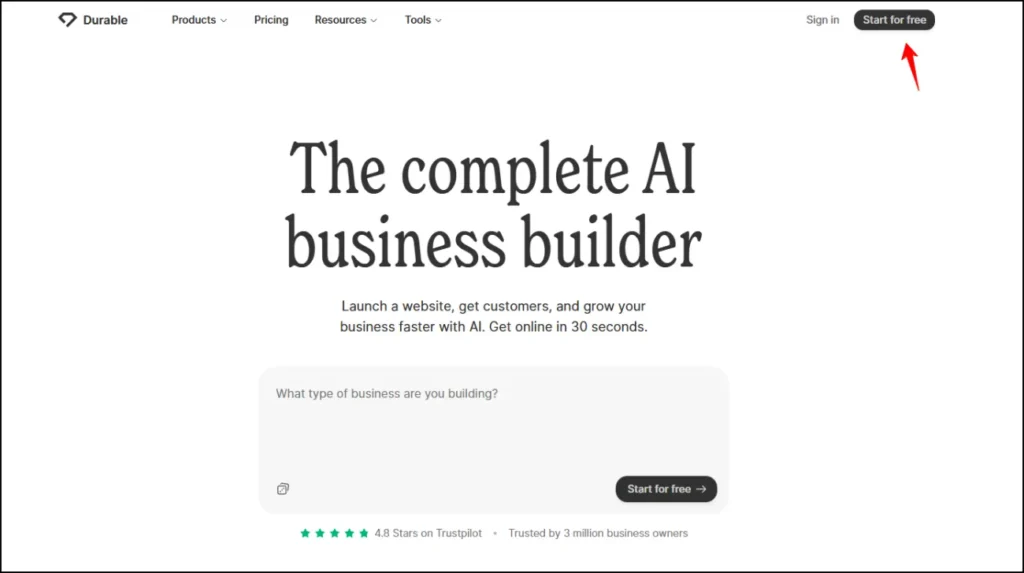
Durable makes a bold claim: your website is ready in 30 seconds.
I timed it: 47 seconds from clicking “start” to a fully generated, publish-ready business website. That is remarkable.
You type your business type and location. Durable fills in everything including content, images, layout, contact form, and SEO settings. It makes educated assumptions based on your industry and gets them right often enough to be genuinely useful for most service businesses.
Beyond the website, Durable also includes a built-in CRM, invoicing tools, and a marketing assistant. For small service businesses, it’s a pretty complete operating platform at a very reasonable price point.
How Durable works
Enter your business type and city. Durable generates a complete website using that information alone. The AI draws from a database of industry-specific templates and content to create a site that is relevant to your exact type of business.
After generation, you can customize everything in Durable’s simple editor. Change text, swap images, adjust colors, add sections. It’s not the most powerful editor on this list, but it’s more than enough for most service businesses that just need to be online professionally.
Who is Durable for?
Durable is for service businesses including plumbers, photographers, personal trainers, cleaners, and consultants that need a professional website live today. It’s the easiest ai website builder when speed is the priority above everything else.
Durable pricing
Here are Durable’s pricing plans:
- Free: $0/month. Website on a Durable subdomain, generate and preview before paying
- Starter: $12/month. Custom domain, AI tools, basic CRM
- Business: $20/month. Advanced CRM, invoicing, AI marketing assistant
- Mogul: $80/month. Priority support, advanced analytics, white-label options
Durable pros and cons
Here are the pros of using Durable:
- Fastest website generation of any ai website builder, 47 seconds in our tests
- Built-in CRM and invoicing, a genuine all-in-one for service businesses
- Free to generate and preview before committing to a paid plan
- Great for service businesses with local customer bases
Here are the cons of using Durable:
- Designs can look similar across different industries
- Limited customization compared to Wix or Squarespace
- Not suitable for e-commerce or complex websites
- AI assumptions sometimes need manual correction after generation
Overall, Durable is the best website builder ai option when speed is your number one priority. Nothing generates a publishable site faster.
Durable rating and reviews
Here’s what others say about Durable on third-party review sites:
- Trustpilot: 4.3/5 star rating (from 500+ user reviews)
- G2: 4.2/5 star rating (from user reviews)
14. 10Web
- Who it’s for: WordPress users, WooCommerce store owners, and digital agencies managing multiple client sites
- What I like: PageSpeed Booster achieves 90+ Core Web Vitals scores automatically, nothing else does this as consistently inside any ai website builder package
- Pricing: From $10/month, 7-day free trial
If you love WordPress but want AI to speed up your workflow, 10Web is your answer.
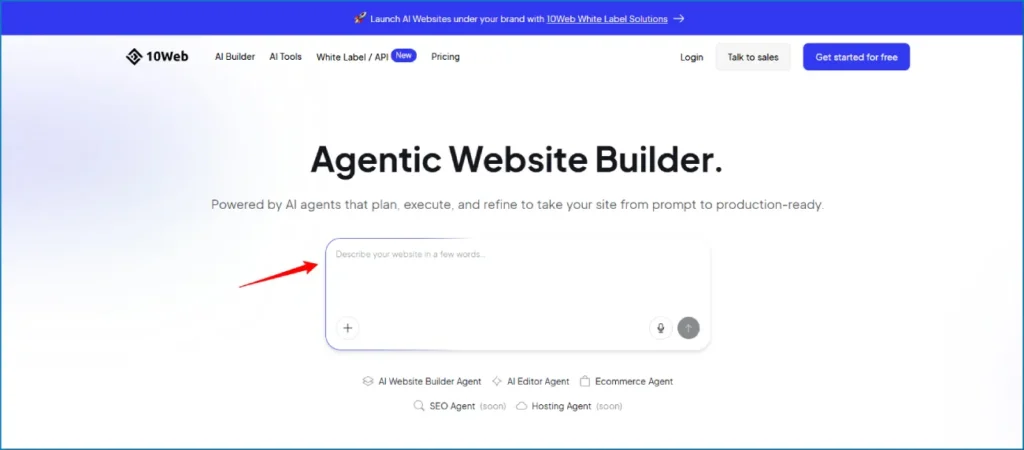
10Web uses AI to build complete WordPress websites in minutes. You still get the full flexibility of WordPress underneath, but the AI handles the time-consuming setup. And the PageSpeed Booster is genuinely the best technical performance optimization tool I’ve found bundled inside any website builder ai package.
I run multiple client sites through 10Web. Before using it, my average Core Web Vitals score was around 58. After 10Web’s PageSpeed Booster, the same sites consistently score above 90. That performance difference has a direct impact on SEO rankings and bounce rates.
How 10Web works
You describe your business and 10Web’s AI generates a complete WordPress site with relevant content and images. From there, you edit using an Elementor-based visual editor with 50+ premium widgets. The PageSpeed Booster runs automatically in the background, optimizing images, caching, and code delivery without you doing anything manually.
Who is 10Web for?
10Web is the best ai web builder for anyone already in the WordPress ecosystem. It’s also ideal for agencies managing multiple client sites because the multi-site management tools save enormous amounts of time per month.
10Web pricing
Here are 10Web’s pricing plans:
- Personal: $10/month (billed annually). 1 website, AI builder, hosting, PageSpeed Booster
- Premium: $24/month. 3 websites, advanced e-commerce features
- Agency: Custom pricing. Unlimited websites, priority support, white-label options
- 7-day free trial available on all plans
10Web pros and cons
Here are the pros of using 10Web:
- PageSpeed Booster achieves 90+ Core Web Vitals scores automatically
- Real WordPress site, not locked into a proprietary platform
- Hosting plus AI tools plus PageSpeed optimization bundled in one price
- WooCommerce integration for full e-commerce functionality
- Elementor-based editor gives serious customization depth
Here are the cons of using 10Web:
- Requires WordPress familiarity, steeper learning curve for complete beginners
- Some advanced features need premium plugin add-ons
- Works exclusively within the WordPress ecosystem
10Web rating and reviews
Here’s what others say about 10Web on third-party review sites:
- G2: 4.5/5 star rating (from 280+ user reviews)
- Trustpilot: 4.3/5 star rating
15. Dorik
- Who it’s for: Startups and small businesses who want the simplest possible single-prompt ai website generator experience
- What I like: One paragraph generates a complete, publish-ready website using GPT-4 and DALL-E 3 under the hood
- Pricing: From $18/month, 14-day free trial
Dorik does something most ai website generators don’t: it builds your entire website from a single paragraph.
No guided questionnaire. No multi-step wizard. You write one description of your business, who you are, what you do, who you serve, and Dorik generates a complete website with copy and images. If you don’t like a section, you hit regenerate on just that section and it rebuilds instantly.
How Dorik works
You describe your business in one paragraph and Dorik takes it from there. It uses GPT-4 for content generation and DALL-E 3 for image creation, which means the quality of the initial output is higher than many competitors. After generation, you customize through a drag-and-drop editor with 250+ pre-designed UI blocks.
Who is Dorik for?
Dorik is the best ai website maker for non-technical users who want the simplest possible path from description to published website. It’s great for startups, freelancers, and small businesses launching quickly.
Dorik pricing
Here are Dorik’s pricing plans:
- Personal: $18/month (billed annually). 1 website, AI generation, 14-day free trial
- Business: $39/month (billed annually). 3 websites, white-label CMS, client management
- Agency: Custom pricing. Unlimited websites, priority support
Dorik pros and cons
Here are the pros of using Dorik:
- Single-prompt generation is genuinely the simplest experience available
- GPT-4 and DALL-E 3 produce high-quality initial output
- One-click regeneration of any section you’re not happy with
- Unlimited storage and bandwidth on all plans, rare at this price point
Here are the cons of using Dorik:
- E-commerce capabilities are weak compared to Shopify or Wix
- Element library is smaller than competitors with around 20 element types
- AI output sometimes needs manual cleanup before publishing
Dorik rating and reviews
Here’s what others say about Dorik on third-party review sites:
- G2: 4.4/5 star rating
- Capterra: 4.5/5 star rating
16. Jimdo
- Who it’s for: Local businesses including restaurants, shops, service providers, and tradespeople
- What I like: Built-in Google Business Profile sync, local SEO built into setup from day one
- Pricing: Free plan available, from $9/month
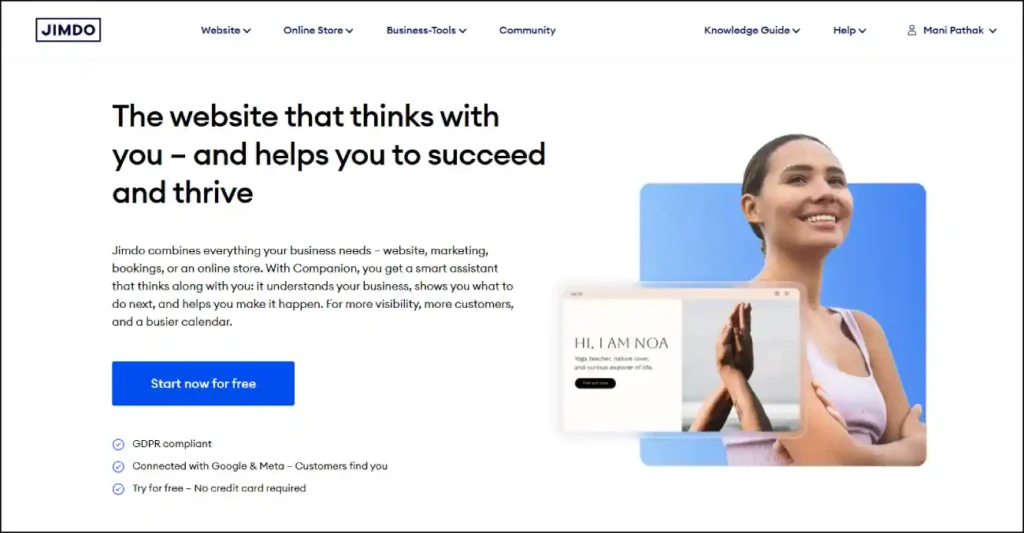
Jimdo’s Dolphin AI is focused on one specific outcome: getting local businesses found by nearby customers.
The AI asks smart questions about your business hours, location, and services. It builds a clean, practical website designed for exactly that purpose. Not the most glamorous output, but functional and effective for local search.
How Jimdo works
Jimdo’s Dolphin AI walks you through a quick setup based on your business type and location. It then generates a website optimized for local search visibility and automatically syncs with your Google Business Profile to keep your information consistent across platforms.
Who is Jimdo for?
Jimdo is the best ai website builder for local businesses that need to show up in local Google search results and Google Maps. Restaurants, barbers, plumbers, electricians, and any local service provider will find it practical and effective.
Jimdo pricing
Here are Jimdo’s pricing plans:
- Free: $0/month. Website on a Jimdo subdomain
- Start: $9/month. Custom domain, remove Jimdo ads, basic analytics
- Grow: $15/month. Online store, appointment booking, advanced SEO
- Unlimited: $39/month. Priority support, unlimited storage
Jimdo pros and cons
Here are the pros of using Jimdo:
- Google Business Profile sync saves time on local listings management
- Local SEO tools are built into the setup process
- Very affordable entry price for a complete local business website
- Simple interface that any business owner can use without training
Here are the cons of using Jimdo:
- Less flexibility for unique or complex layouts
- Not suitable for large e-commerce operations
- Template variety is more limited than Wix or Squarespace
Jimdo rating and reviews
Here’s what others say about Jimdo on third-party review sites:
- G2: 4.1/5 star rating
- Trustpilot: 3.9/5 star rating (from 3,000+ user reviews)
17. Webflow
- Who it’s for: Experienced designers and agencies building complex, design-heavy custom projects
- What I like: Maximum creative control, AI SEO automation, production-grade CMS that serious publishers actually need
- Pricing: Free limited plan, paid from $14/month
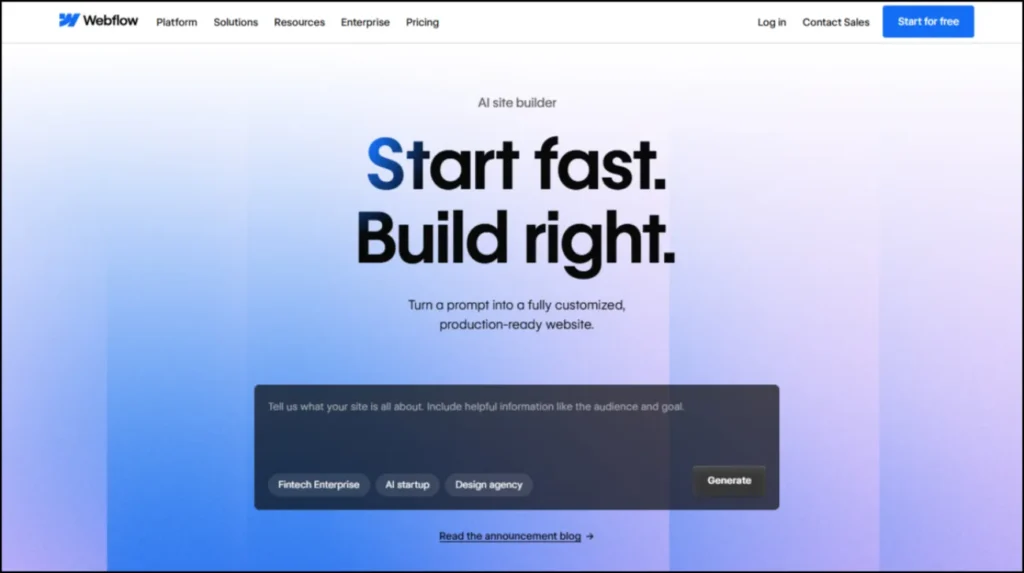
Webflow is where serious web designers build serious websites. Its new AI features make it faster without sacrificing the creative freedom it’s always been famous for.
It’s not beginner-friendly. But for designers who know what they’re doing, Webflow combined with Relume is still one of the most powerful combinations in the best ai website builder 2026 category.
How Webflow works
Webflow combines a visual design canvas with real HTML, CSS, and JavaScript output. The new AI features include AI SEO automation for technical page optimization, AI layout suggestions based on design principles, and component generation from text prompts. You design visually and get clean, production-ready code.
Who is Webflow for?
Webflow is the best ai website builder for experienced designers and agencies who need maximum creative control and enterprise-grade CMS capabilities. It is not for complete beginners.
Webflow pricing
Here are Webflow’s pricing plans:
- Free: $0/month. Limited features, Webflow subdomain
- Basic: $14/month. Custom domain, 500 form submissions, 25,000 monthly visits
- CMS: $23/month. CMS collections, 1,000 CMS items
- Business: $39/month. 10,000 CMS items, white-labeling
- Enterprise: Custom pricing. Dedicated support, advanced security
Webflow pros and cons
Here are the pros of using Webflow:
- Most creative control of any ai website builder available
- Production-grade CMS for serious content publishers
- AI SEO automation handles technical optimization
- Clean, exportable code output you actually own
Here are the cons of using Webflow:
- Very steep learning curve for non-designers
- Expensive for high-traffic sites
- Requires significant time investment to master
Webflow rating and reviews
Here’s what others say about Webflow on third-party review sites:
- G2: 4.4/5 star rating (from 600+ user reviews)
- Trustpilot: 4.2/5 star rating
18. WebWave AI Website Builder
- Who it’s for: Designers who want pixel-level control with AI assistance and the ability to export clean HTML
- What I like: True pixel-perfect design freedom, AI content generation, clean HTML and CSS export that most builders don’t offer
- Pricing: Free plan available, paid plans from $8.29/month
WebWave is a design-first ai website builder that gives you genuine pixel-level control over every element of your website. It stands out in this ai website builder comparison because it’s one of the very few tools that lets you export clean HTML and CSS, giving you full ownership of your code.
I tested the WebWave AI website builder for this review and found it sits in an interesting niche. It’s more flexible than Wix but less complex than Webflow. The AI assistance helps with content generation and layout suggestions, while the editor gives you true pixel precision that drag-and-drop tools often sacrifice.
How WebWave AI Website Builder works
WebWave works by giving you a free-canvas design environment where you can place elements precisely where you want them. The AI layer helps with content writing, image suggestions, and layout recommendations. You can start from a template or describe your website and let the AI generate a starting point.
What makes WebWave genuinely interesting in the ai website builder comparison category is the HTML export feature. Once you’re done designing, you can download your website as clean HTML, CSS, and JavaScript files and host it anywhere. This is a level of ownership that platforms like Wix and Squarespace simply don’t offer.
Who is WebWave AI Website Builder for?
WebWave is the best ai website builder for designers who want creative freedom beyond what typical drag-and-drop builders allow, combined with AI assistance for content and layout. It’s also great for developers who want to design visually and then export the code.
If you’ve been frustrated by the limitations of Wix or the complexity of Webflow, WebWave is worth exploring as a middle ground.
WebWave pricing
Here are WebWave’s pricing plans:
- Free: $0/month. Build on a WebWave subdomain, limited bandwidth
- Basic: $8.29/month. Custom domain, 5 pages, 2GB bandwidth
- Starter: $14.99/month. Unlimited pages, 10GB bandwidth, HTML export
- Pro: $22.49/month. Priority support, unlimited bandwidth, white-label options
WebWave pros and cons
Here are the pros of using WebWave:
- True pixel-level design freedom that most AI builders don’t offer
- HTML and CSS export means you own your code completely
- AI content generation and layout assistance built in
- More affordable than Webflow for similar design control
- Great free plan for testing and small projects
Here are the cons of using WebWave:
- Less AI automation than Hostinger or Wix
- Smaller community and template library than major platforms
- Learning curve higher than beginner-focused tools
- Less brand recognition means fewer tutorials and third-party resources
Overall, the WebWave AI website builder is a genuinely interesting option that doesn’t get enough attention in most ai website builder comparison articles. If design control and code ownership matter to you, it belongs in your shortlist.
WebWave AI Website Builder rating and reviews
Here’s what others say about WebWave on third-party review sites:
- G2: 4.1/5 star rating
- Capterra: 4.3/5 star rating
How to choose the best AI website builder for your needs
With 17 options on this list, let me make the decision simple for you.
You want the best value overall: Use Hostinger. Fastest generation, lowest price, hosting included. No other platform comes close at this price point. It’s the clear winner in any honest ai website builder comparison for budget-focused users.
You want the most complete AI toolkit: Use Wix. The most features, the most integrations, the best all-in-one experience for growing businesses.
You care deeply about design quality: Use Squarespace. Nothing else produces this level of visual polish automatically as a standard ai website maker feature.
You’re building an online store: Use Shopify. The best e-commerce AI tools in the market. Shopify Magic and Sidekick are genuinely game-changing for product sellers.
You need to get online today: Use Durable. 47 seconds from start to published website. That’s it.
You’re building a web app or SaaS MVP without coding skills: Use Lovable. Full-stack app generation from plain English. Best for founders and product teams in 2026.
You’re a developer who wants AI to speed up coding: Use Replit. Agent 3 is the most powerful autonomous coding AI available in a browser right now.
You’re a Webflow designer: Use Relume plus Webflow. The professional workflow most agencies should be running in 2026.
You’re a small business owner who wants everything in one place: Use GoDaddy Airo. Website, logo, social content, and email in one session.
You want pixel-perfect design control with code export: Use WebWave AI website builder or Webflow depending on your technical level.
Common mistakes people make with AI website builders
I see these constantly. Please don’t make them.
Writing vague one-line prompts. “Make me a restaurant website” gives you a generic restaurant website. “Make me a website for a modern Italian restaurant in Bangalore that serves business lunches and needs an online reservation system” gives you something actually useful. The more specific you are, the better the output from any ai website builder.
Publishing the AI draft without customization. AI-generated content is a first draft. Add your real story, your real photos, and your real customer testimonials. The sites that rank and convert are the ones that feel human.
Ignoring the SEO setup. Most ai powered website builders have SEO tools but don’t force you to use them. Go through every page and set your meta title, meta description, and image alt text manually. It takes 30 minutes and makes a real difference. Check out our guide on how to submit your website to search engines after you launch.
Choosing based on AI features instead of fit. A blogger doesn’t need Shopify’s commerce AI. A product seller doesn’t need Framer’s animation controls. Match the tool to your actual use case.
Skipping the free trial. Almost every platform on this list has a free plan or trial. There is no reason to pay before testing. Build something real on the free tier first.
FAQs about Best AI website builders
What is the best AI website builder in 2026?
For most people, Hostinger is the best ai website builder 2026 for value and ease of use. For maximum features and flexibility, Wix wins. For e-commerce, Shopify is the clear answer. For non-technical founders building apps, Lovable is the best option. Check our full ai website builder comparison table above for a complete side-by-side view.
What is the best free AI website builder?
Wix and Jimdo have the most useful free plans for standard websites. Lovable and Replit have the best free tiers for app builders. Figma also has a free plan that includes access to Figma Sites and Figma Make. All free plans require upgrading to use a custom domain.
Do I need coding skills to use an AI website builder?
For traditional builders like Hostinger, Wix, Squarespace, and GoDaddy: zero coding needed. For app builders like Lovable: basic technical comfort helps but is not required. For Replit: some coding knowledge will help you get the most out of it.
How long does it take to build a website with AI?
Most ai website builders generate a complete site in under 5 minutes. Durable is fastest at under 60 seconds. After initial generation, budget 1 to 3 hours for personalization, content updates, and SEO setup before publishing.
Which AI website builder is best for small businesses?
Hostinger and GoDaddy Airo are the top picks for small businesses. Both are affordable, beginner-friendly, and include everything a small business needs to get online quickly and professionally.
What is the best AI website builder for e-commerce?
Shopify is the best ai website builder for ecommerce. Shopify Magic and Sidekick are purpose-built for selling online. For smaller catalogs on a budget, Wix and Squarespace are solid alternatives.
Are AI-generated websites good for SEO?
Yes, when you use the SEO tools they include. The top ai website builders automatically handle meta tags, mobile optimization, and image compression. For content SEO strategy, check out our guide on SEO content writing that ranks and converts.
What is the WebWave AI website builder?
The WebWave AI website builder is a design-first ai website builder that combines pixel-level design freedom with AI content assistance and clean HTML/CSS export. It’s a strong option for designers who want more control than Wix but less complexity than Webflow. It stands out in any ai website builder comparison for users who need to own their code.
What is the difference between an AI website builder and an AI app builder?
An ai website builder creates marketing sites, blogs, portfolios, and online stores. An AI app builder like Lovable or Replit generates working full-stack applications with real databases, user logins, and custom backend logic. Most people need a website builder. Founders building software products need an app builder.
What is the best AI website builder for beginners?
For absolute beginners, Hostinger and Durable are the easiest to get started with. Both generate a complete professional website with minimal input and no technical knowledge required. Hostinger offers more long-term value while Durable is the fastest option in any ai website builder comparison for raw launch speed.
Final verdict on the best AI website builders in 2026
After spending six months testing 17 ai website builders, here is where I honestly land.
Hostinger is the best overall value in every ai website builder comparison I’ve done. For everyday users, small businesses, and bloggers, nothing beats it on price-to-value.
Wix is the most complete AI toolkit if you want more features and room to grow.
Squarespace makes the most beautiful AI-generated designs. Go here if visual quality is what matters most.
Shopify is the only serious answer for e-commerce, no debate.
Lovable is one of the most genuinely impressive pieces of software I’ve tested this year. Watching it build a full-stack web app from a plain-English description is something you have to experience to believe.
Replit is the developer’s dream and Agent 3 is as close to having an AI software engineer as anything currently available.
Relume has quietly become the backbone of how serious Webflow agencies plan and build client websites. If that’s your world, it belongs in your workflow.
And the WebWave AI website builder deserves more attention than it gets. For designers who want pixel control and code ownership at an affordable price, it fills a gap that most tools miss.
The market for ai-powered website builders has never been more competitive or more exciting. There is a tool for every situation, every budget, and every skill level. Whether you’re looking for the best ai website builder 2026 on a shoestring budget or a professional-grade platform for agency work, the right answer exists on this list.
Pick the one that fits your situation. Start your free trial. Build something real.
Your website is minutes away.
Keep reading from Webseotrends
Once your site is live, these guides will help you grow it faster:
- How to Start a Blog in 2026 — Step-by-Step Guide
- SEO Content Writing: How to Write Content That Ranks and Converts
- How to Submit Your Website to Search Engines in 2026
- How to Find Low Competition Keywords That Actually Rank
- How Writesonic Helps Me Rank #1 on Google
- Best Web Hosting Services Compared
- Best Cheap Web Hosting Under $5/Month
Last updated: April 2026 | Written by Mani Pathak, SEO Strategist and Web Designer at Webseotrends.com
AI website builder, best AI website builder, best AI website builder 2026, AI website builders, top AI website builders, AI website builder comparison, AI website maker, AI website generator, AI website creator, AI website design, AI website design generator, AI powered website builders, AI site builder, AI site builders, best AI web builder, best AI web builders, best AI website maker, best AI tools to build a website, best AI for building websites, best website builder AI free, best website builder with AI, website builder AI, easy AI website builder, new AI website builder, top 10 AI website builder, top 10 website builder, top 10 website makers, best website makers, best web maker, artificial intelligence website builder, artificial intelligence website creator, best AI website builder for ecommerce, what is the best AI website builder, what is the best website maker, AI powered website builders, website builder for small businesses, best website builder, AI web developer, Hostinger AI website builder, Wix AI website builder, Chariot AI, Lovable AI, Replit AI, Framer AI, Squarespace Blueprint AI, Shopify AI, GoDaddy Airo, Webflow AI, Durable AI, 10Web AI, Dorik AI, WebWave AI, Relume AI, Figma Sites, Emergent AI
