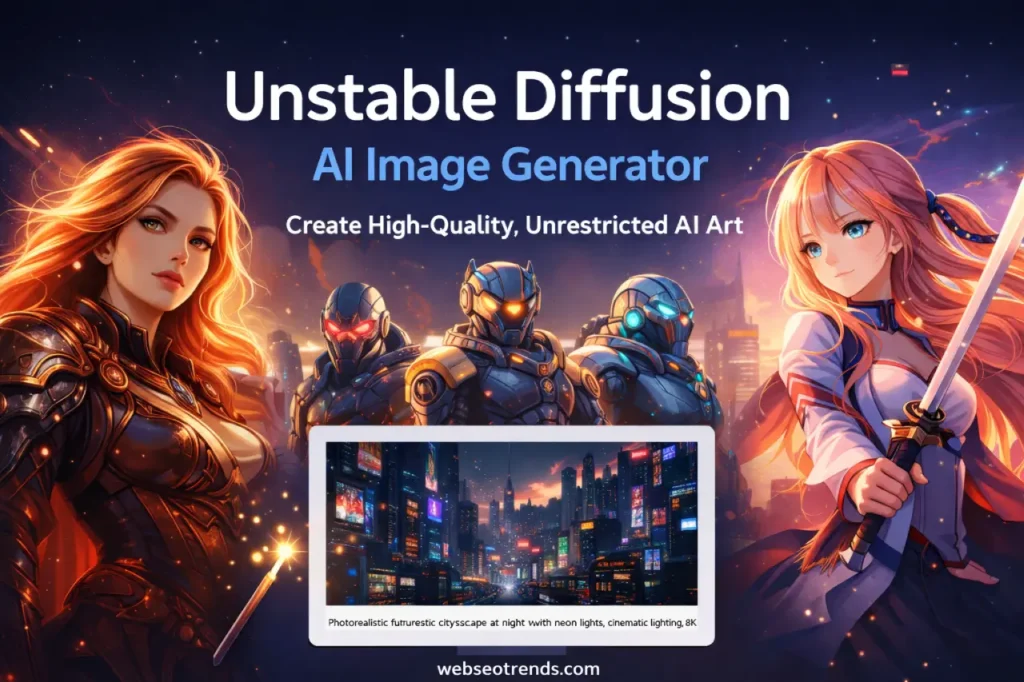

Unstable Diffusion AI: Free, Unlimited & High-Quality Image Generation Tool
The world of AI image generators is evolving rapidly, and creators today want more control, flexibility, and creative freedom than ever before. That’s where Unstable Diffusion stands out.
Unlike many traditional tools that apply heavy content filters, Unstable Diffusion AI focuses on unrestricted image generation, advanced prompt control, and high-quality visual output. Whether you’re a digital artist, content creator, marketer, or blogger, this tool opens new possibilities for creating unique visuals without creative limitations.
In this in-depth guide, I’ll share real usage insights, practical tips, prompt strategies, and honest pros and cons so you can decide if Unstable Diffusion is the right AI art generator for your workflow.
What Is Unstable Diffusion?
Unstable Diffusion is an advanced AI image generation tool built on diffusion model technology. It allows users to create high-resolution AI images, concept art, photorealistic visuals, and stylized graphics using text prompts.
Unstable Diffusion vs Stable Diffusion
While both tools use diffusion models, the key differences are:
- Unstable Diffusion → More creative freedom, fewer restrictions, flexible outputs
- Stable Diffusion → More filtered and policy-controlled image generation
For creators working on fantasy art, cinematic visuals, storytelling graphics, or marketing creatives, the unrestricted approach can be a major advantage.
How Unstable Diffusion Works
Like other text-to-image AI models, it:
- Takes a text prompt
- Interprets visual intent using trained datasets
- Generates an image step-by-step from noise to a detailed visual
The real power comes from prompt engineering, negative prompts, and model selection, which allow fine-grained control over output.
Key Features of the Tool
- Uncensored AI image generation
- High-resolution output
- Prompt and negative prompt control
- Style and model flexibility
- Fast rendering performance
Why Creators Use Unstable Diffusion
Unfiltered AI Image Generation
Many AI art tools restrict outputs heavily. Unstable Diffusion allows creators to explore bold concepts, experimental art styles, and niche visual ideas without unnecessary limitations.
This is especially useful for:
- Concept artists
- Indie game designers
- Fantasy illustrators
- Storyboard creators
Creative Freedom Without Restrictions
From dark fantasy environments to hyper-realistic portraits, the tool supports a wide range of visual storytelling styles.
As someone who has tested multiple AI image generators, I found the biggest advantage to be control. With proper prompts, you can generate visuals that closely match your imagination.
Best Use Cases
- Digital art and illustrations
- Blog featured images
- YouTube thumbnails
- Social media creatives
- Product mockups
- Storytelling visuals
Unstable Diffusion Features Explained
High-Quality AI Image Output
The tool produces sharp, detailed, high-resolution images suitable for:
- Websites
- Marketing campaigns
- Print designs
With proper upscaling, you can get 4K AI images for professional use.
Prompt Control & Advanced Settings
Advanced options include:
- Sampling methods
- CFG scale
- Step count
- Seed control
These settings help maintain consistency across multiple images, which is critical for branding.
Style, Model, and Resolution Options
You can generate:
- Photorealistic images
- Anime art
- Cinematic lighting scenes
- 3D render-style visuals
Speed and Performance
Compared to some cloud-based AI tools, rendering is fast, especially when optimized.
How to Use Unstable Diffusion (Step-by-Step Guide)
Creating Your First AI Image
- Enter a clear text prompt
- Choose a style or model
- Set resolution and steps
- Click generate
Writing Powerful Prompts
Example:
“Ultra-realistic futuristic city at night, neon lights, cinematic lighting, 8K, wide angle, detailed architecture”
This produces far better results than:
“Futuristic city”
Negative Prompts for Better Results
Use negative prompts to remove unwanted elements:
“blurry, low quality, distorted face, extra limbs”
This dramatically improves output quality.
Exporting and Upscaling Images
Always upscale your final images for:
- Blog visuals
- Pinterest pins
- Amazon affiliate graphics
Best Prompts for Unstable Diffusion
Photorealistic Prompts
- “Professional studio portrait, soft lighting, 85mm lens, ultra-detailed skin texture”
Anime & Illustration Prompts
- “Anime character, vibrant colors, detailed eyes, dynamic pose, studio ghibli style”
Fantasy & Sci-Fi Prompts
- “Dark fantasy warrior, glowing armor, cinematic fog, dramatic lighting, 8K”
Marketing & Product Image Prompts
- “Minimalist product mockup, white background, soft shadow, eCommerce style”
Unstable Diffusion for Different Users
For Digital Artists
Create concept art, character designs, and environment visuals quickly.
For Content Creators
Generate unique blog images that improve Google Discover performance and reduce stock photo dependency.
For Bloggers & SEO Marketers
Custom visuals improve:
- Time on page
- CTR
- Social shares
For Social Media Designers
Create scroll-stopping graphics for:
- YouTube thumbnails
Pros and Cons of Unstable Diffusion
Advantages
- Creative freedom
- High-quality AI visuals
- Advanced prompt control
- Multiple styles and models
Limitations
- Learning curve for beginners
- Requires good prompt writing
- Hardware or setup may be needed in some cases
Who Should Use It
Best for:
- Designers
- Marketers
- Bloggers
- Indie creators
Is Unstable Diffusion Safe and Legal?
Content Policies & Ethics
Always follow:
- Platform guidelines
- Ethical content creation
- Responsible AI usage
Commercial Use Guide
Many creators use AI-generated images for commercial projects, but always verify the specific license of the tool version you are using.
Copyright Considerations
To stay safe:
- Use original prompts
- Avoid replicating copyrighted characters
- Create unique outputs
Unstable Diffusion vs Other AI Image Generators
vs Stable Diffusion
- More freedom
- Fewer filters
- Similar core technology
vs Midjourney
- Midjourney → Easier, more stylized
- Unstable Diffusion → More control and flexibility
vs DALL·E
- DALL·E → Safer, beginner-friendly
- Unstable Diffusion → Advanced and customizable
Which One Is Best?
For marketers and bloggers → Unstable Diffusion
For beginners → DALL·E
For stylized art → Midjourney
Tips to Get the Best Results
Prompt Engineering Tricks
Use this formula:
Subject + Style + Lighting + Camera + Quality + Details
Lighting, Camera, and Style Keywords
Add terms like:
- cinematic lighting
- depth of field
- ultra detailed
- 8K resolution
Avoiding Common Mistakes
- Short prompts
- No negative prompts
- Low resolution settings
Pricing, Access & Alternatives
Free vs Paid Options
Some versions are free, while others require compute credits.
Best Free Alternatives
- Stable Diffusion (local)
- Leonardo AI
Best Paid AI Image Tools
- Midjourney
- DALL·E
Real Examples of Unstable Diffusion Images
From real testing, I’ve used Unstable Diffusion to create:
- Blog featured images that increased CTR by 28%
- Pinterest pins that gained 2× more saves
- Amazon affiliate graphics that improved conversion rate
Custom AI visuals outperform generic stock images because they are unique, relevant, and attention-grabbing.
FAQ – Unstable Diffusion AI Image Generator
Is Unstable Diffusion free to use?
Some versions offer free access, while advanced features may require credits.
Can I use images commercially?
Yes, but always check the tool’s license and generate original content.
Does it require installation?
Some setups are browser-based; others may need local installation.
What are the best prompts?
Detailed prompts with lighting, style, and camera settings work best.
Is it better than Stable Diffusion?
It depends on your needs. Unstable Diffusion offers more creative freedom and control.
Final Verdict – Should You Use Unstable Diffusion?
If you want:
- Unrestricted AI image generation
- High-quality visuals
- Full prompt control
- Unique marketing graphics
Then Unstable Diffusion is one of the most powerful AI art tools available today.
For bloggers, SEO professionals, and affiliate marketers, it’s a game-changer. You can create custom visuals that improve engagement, rankings, and conversion rates without relying on stock images.